Good Coding Habits vs Bad Coding Habits
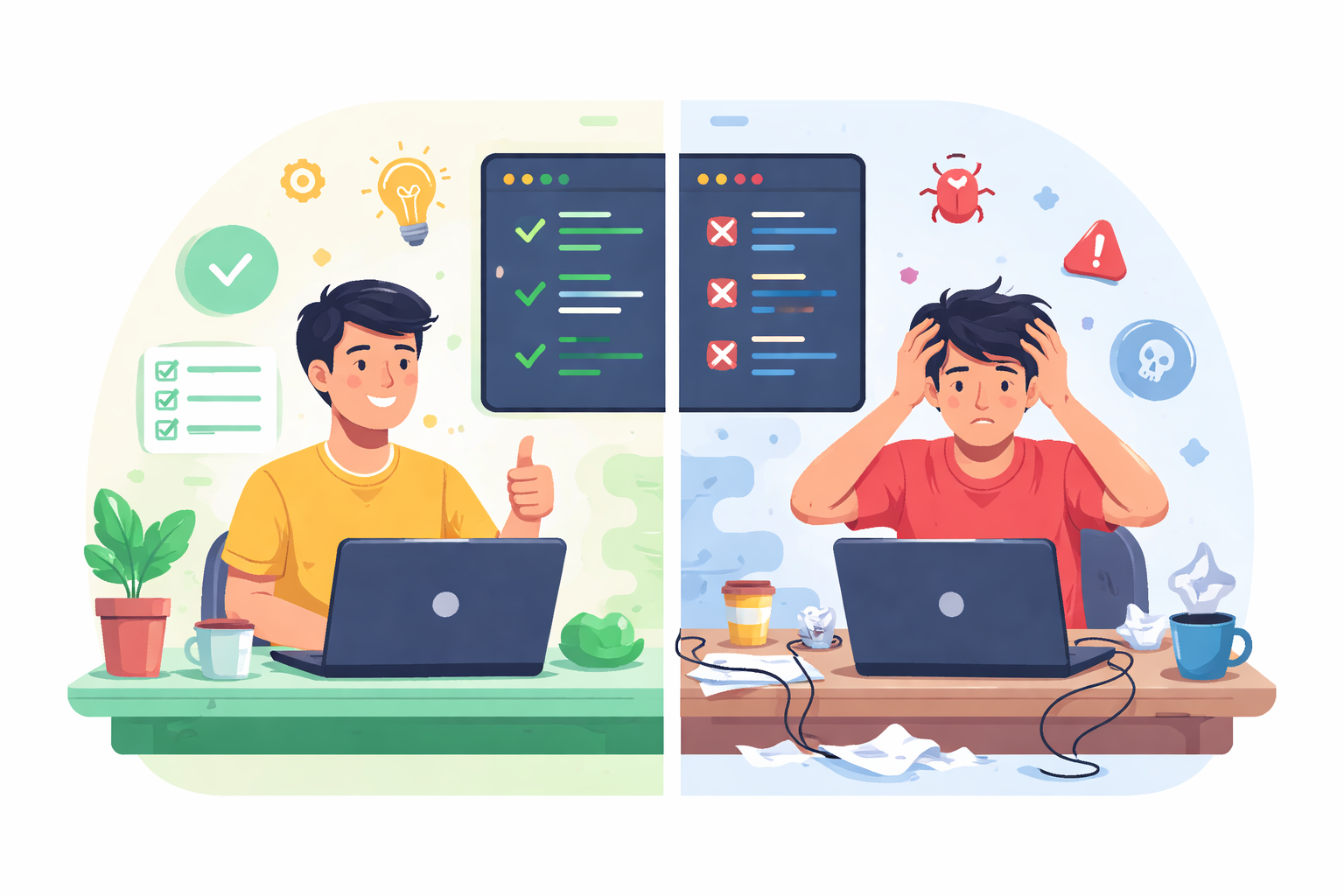
Good coding habits are rarely glamorous, but they determine how software ages under real use. Here, I compare the behaviours that improve maintainability with the shortcuts that quietly damage it.

Share
Checking read-aloud support…
Programming is not merely the act of instructing machines.
It is the craft of writing instructions that another human can understand.
Code that works but cannot be understood is not good engineering. It is only temporary success.
Good programmers develop habits that make their software easier to read, maintain, and extend. Small choices in structure, naming, and logic often determine whether a project becomes maintainable or frustrating.
This article compares common bad coding habits with the better habits that replace them.
Main point
One of the most common problems in programming is spaghetti code - logic that becomes tangled and difficult to follow.
This usually happens when conditions are deeply nested or when too many responsibilities are placed in a single section of code.
Bad example
int process(int a, int b, int c) {
    if (a) {
        if (b) {
            if (c) {
                execute();
            }
        }
    }
}
Although the code works, the logic becomes difficult to read.
Better example
int process(int a, int b, int c) {
    if (!a) return 0;
    if (!b) return 0;
    if (!c) return 0;

    execute();
    return 1;
}
Flattening the logic removes unnecessary nesting and makes the flow easier to understand.
flowchart TD
    Start --> CheckA{A valid?}
    CheckA -- No --> Exit
    CheckA -- Yes --> CheckB{B valid?}
    CheckB -- No --> Exit
    CheckB -- Yes --> CheckC{C valid?}
    CheckC -- No --> Exit
    CheckC -- Yes --> Execute[Run Process]
Details
Another common issue in software development is poor naming.
Computers do not care what variables are called. Humans do.
Poor naming
x = 86400
y = seconds / x
The purpose of the values is unclear.
Clear naming
SECONDS_PER_DAY = 86400
days = seconds / SECONDS_PER_DAY
The intent is immediately obvious. Clear naming reduces confusion and often removes the need for additional comments.
The pyramid of doom
Deep nesting can lead to what developers often call the pyramid of doom.
Bad example
if (user) {
    if (user.active) {
        if (user.subscription) {
            if (user.emailVerified) {
                startService();
            }
        }
    }
}
Better approach
if (!user) return;
if (!user.active) return;
if (!user.subscription) return;
if (!user.emailVerified) return;

startService();
Flattening the logic improves readability and reduces indentation.
flowchart TD
    Start --> CheckUser{User exists?}
    CheckUser -- No --> Exit
    CheckUser -- Yes --> Active{User active?}
    Active -- No --> Exit
    Active -- Yes --> Sub{Subscription valid?}
    Sub -- No --> Exit
    Sub -- Yes --> Verify{Email verified?}
    Verify -- No --> Exit
    Verify -- Yes --> StartService[Start Service]
Functions that do too much
Large functions often try to perform several unrelated tasks.
Overloaded function
def process_order(order):
    validate_user(order)
    calculate_price(order)
    save_to_database(order)
    send_email(order)
    generate_invoice(order)
This mixes validation, pricing, storage, and communication in one place.
Improved structure
def process_order(order):
    validate_order(order)
    price = calculate_price(order)
    save_order(order, price)
    send_confirmation(order)
Breaking functions into smaller pieces improves readability, testing, and reuse.
flowchart LR
    Order[Incoming Order] --> Validate[Validate Order]
    Validate --> Pricing[Calculate Price]
    Pricing --> Save[Save Order]
    Save --> Notify[Send Confirmation]
Wrap up
Beginners often measure success by a simple rule:
The program runs.
Experienced developers measure success differently.
They ask:
- Can another developer understand this code quickly?
- Can it be modified safely?
- Will it still make sense months later?
Good code is rarely clever.
Good code is clear, structured, and maintainable.
Programs often live longer than expected. Writing code that remains understandable over time is one of the most valuable habits a developer can develop.
Quick habit checklist
| Bad Habit | Better Habit |
|---|---|
| Deep nesting | Flattened control flow |
| Cryptic variable names | Descriptive naming |
| Large multi-purpose functions | Small focused functions |
| Hard-to-follow logic | Clear structure |