Three random words without making passwords weird
Password advice often becomes so complicated that people avoid changing anything. Here, I explain how the three-random-words idea can help when you need a memorable password.

Share
Checking read-aloud support…
Why This Topic Matters
Some password advice accidentally creates a different problem. It tells people to use long strings of random symbols, numbers and letters, then expects them to remember everything without writing anything down or reusing patterns.
That is not how most people live.
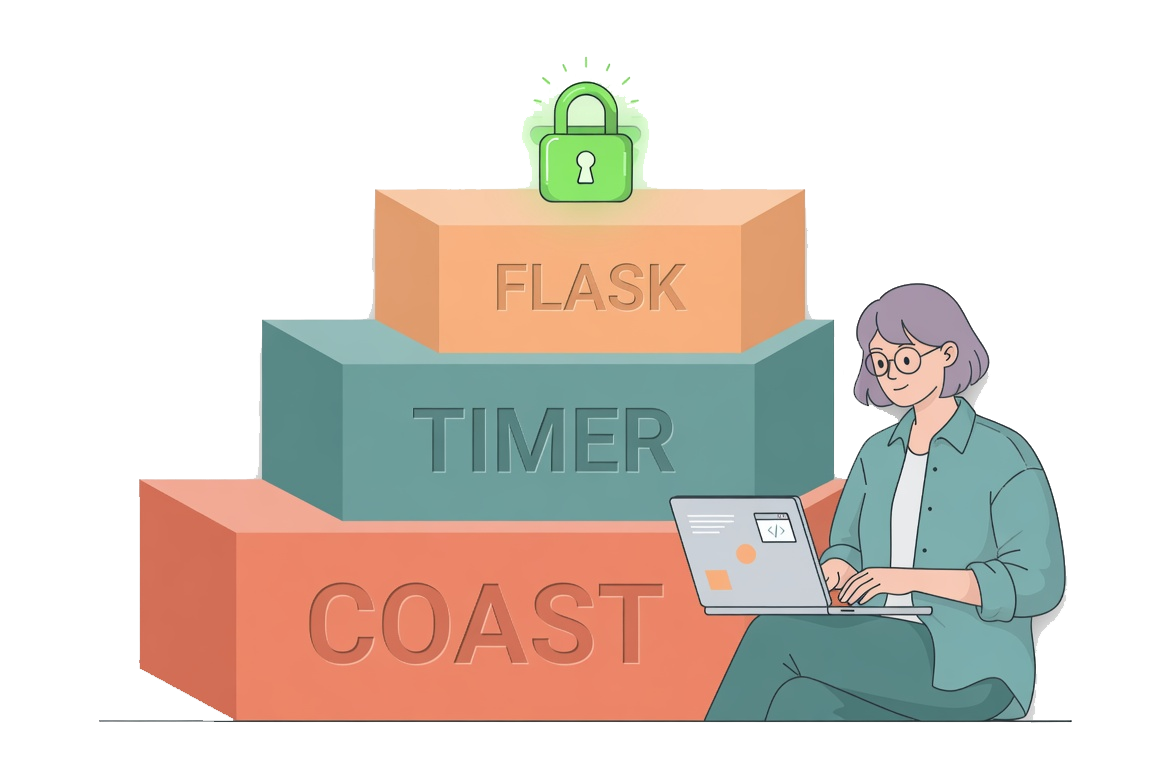
The NCSC guidance on three random words recommends combining three unrelated words to create a password that is long enough and easier to remember.
Where This Helps
This approach is useful when you need a password you may have to remember, such as the main password for a password manager or an account you cannot easily store elsewhere.
It is not a reason to reuse one password everywhere. It is a way to make a memorable password less predictable.
Useful checks:
- choose words that are not obviously connected to you
- avoid names, birthdays, teams, pets or places from your social profiles
- do not rely on common substitutions like changing an o to zero
- use a password manager for accounts you do not need to memorise
The words should be random to someone else, not just meaningful to you.
Make It Practical
A good password habit should reduce friction, not turn every login into a puzzle.
The routine I would use is:
- use three random words for the few passwords you must remember
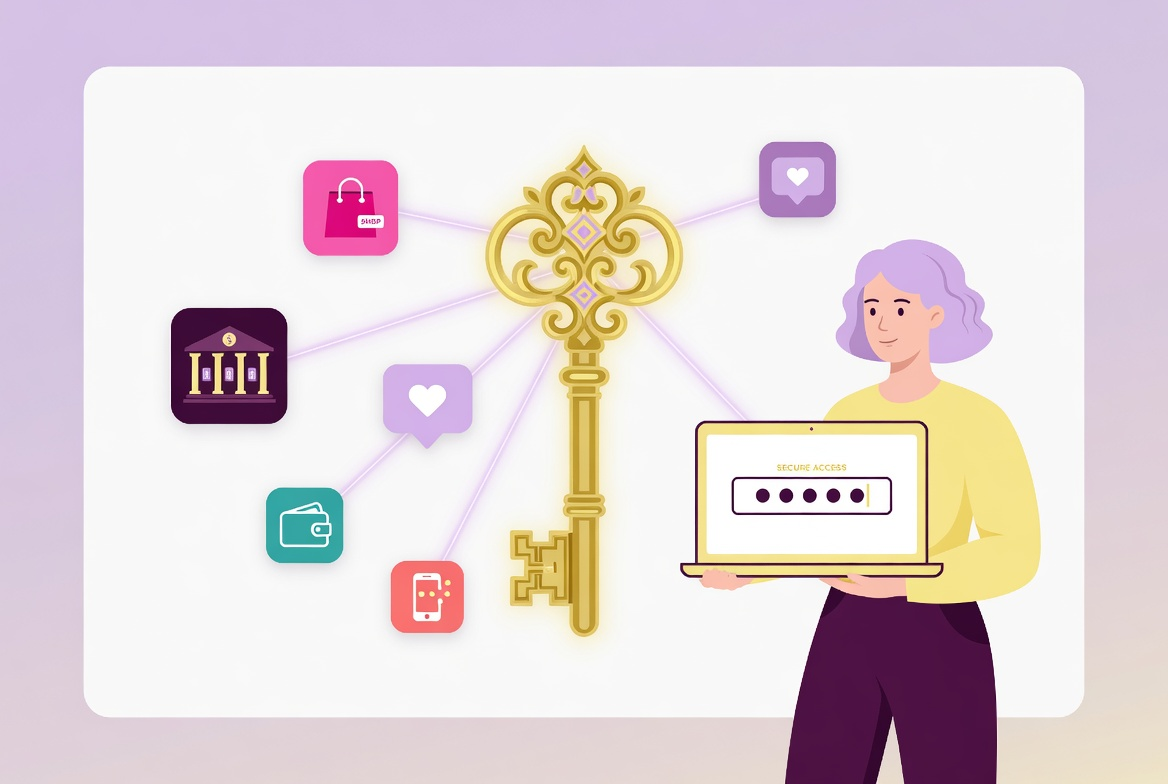
- let a password manager generate unique passwords for everything else
- turn on two-step verification for important accounts
- replace reused passwords one at a time
That gives you a realistic split between memory and tooling.
What Usually Goes Wrong
The common mistake is choosing words from your life. A favourite football club, a pet name and a birth year may feel personal, but that can make the password easier to guess.
Another mistake is making the password so awkward that you immediately write it in an unsafe place or reuse it everywhere. Security that people cannot keep using tends not to last.
A Better Baseline
A better baseline is a password setup that is strong enough, unique where it needs to be unique and not dependent on pretending you can remember fifty complicated secrets.
Three random words are not the whole answer. They are a useful tool for the small number of passwords where human memory still has to do some work.