Password manager setup that actually gets used
Password managers can remove the pressure to remember lots of unique passwords. Here, I explain how to set one up in a way that people actually keep using.

Share
Checking read-aloud support…
Why This Topic Matters
The advice to use a unique password for every account is sensible. The difficult part is making that advice liveable.
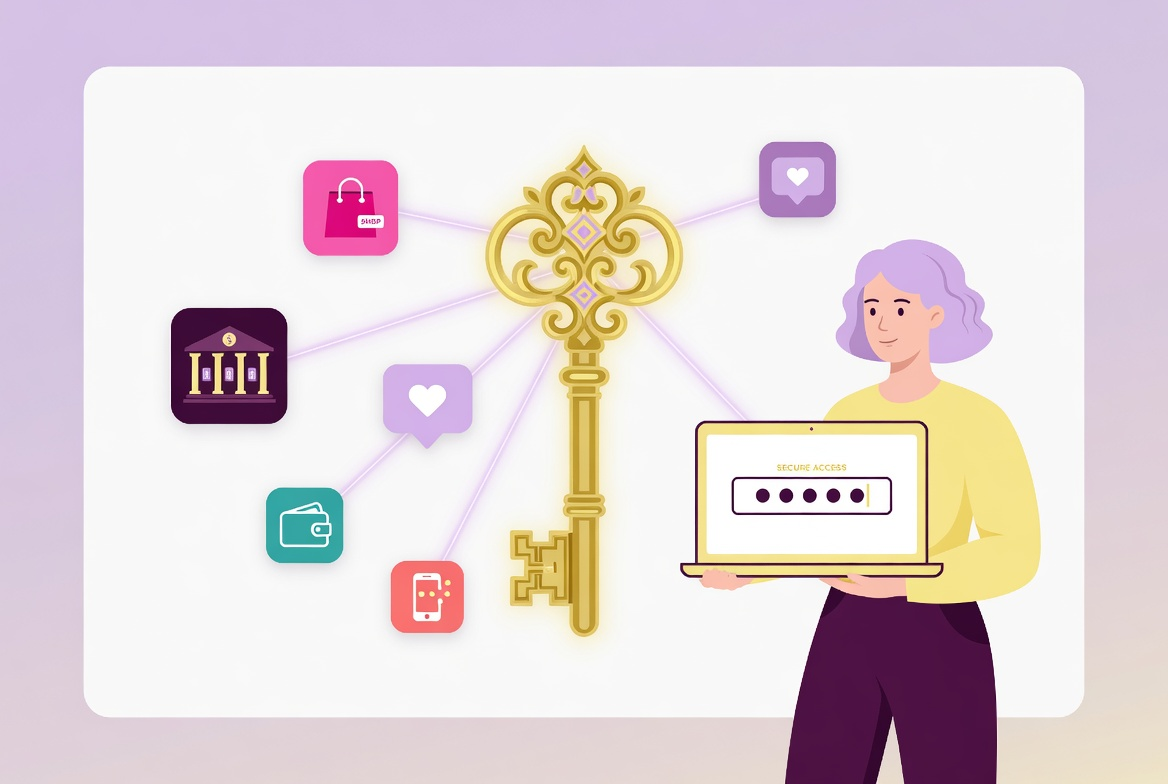
Most people have too many accounts to remember a different strong password for each one. That is where a password manager helps. It stores passwords for you, generates stronger ones and can reduce the temptation to reuse the same login everywhere.
The NCSC guidance on managing passwords explains how password managers can support unique passwords and make sign-in less dependent on memory.
What To Check First
Before choosing a tool, check what you already have.
That means looking at:
- whether your browser or device already offers password saving
- whether you need passwords to sync across different devices
- whether anyone else shares the device
- whether you need family or emergency access features
- whether breach warnings are available
The right answer is not automatically the most complicated one. It is the one you can keep using safely.
Build A Setup Routine
A useful setup should start with your most important accounts, not every account you have ever created.
The routine I would use is:
- protect the password manager account with two-step verification
- move email, banking and payment accounts first
- replace reused passwords as you go
- leave low-risk accounts until the basics are stable
- review saved passwords on shared devices separately
That order keeps the first session manageable and focuses the effort where it matters most.
What Usually Goes Wrong
The common mistake is treating a password manager as a magic box. It still needs a strong primary password, recovery planning and a bit of maintenance.
Another mistake is saving passwords on shared or public devices. Convenience is useful on your own device. On someone else’s device, it can become exposure.
A Better Baseline
A better baseline is not a perfect vault with every old login tidied by midnight. It is a password manager you trust, protected with two-step verification, holding unique passwords for the accounts that matter most.
Once that is working, cleanup becomes a steady habit rather than a stressful rebuild.