Staying safe online: quick baseline
Staying safe online is usually about getting the basics right before things go wrong. Here, I outline the account, payment and phishing habits that create a practical first line of defence.

Share

Checking read-aloud support…
Online Safety Usually Fails At The Same Few Weak Points
People often imagine online security as a technical problem that requires specialist tools, complicated setups or expert knowledge.
Most of the time, it is simpler than that.
The most common damage still comes from a short list of repeat failures:
- reused passwords
- weak account recovery settings
- rushed responses to phishing messages
- software left unpatched for too long
- too much trust in whatever looks official on screen
That is why I prefer a baseline approach.
A good baseline does not try to solve every possible threat. It reduces the chances of the most common and most expensive mistakes. For most people and small organisations, that is where the biggest gain is.
Start With Account Control, Not Gadget Anxiety
If I could only improve one part of someone’s digital safety, I would start with account control.
That means making sure the important accounts are hard to take over and easy to recover safely.
The core accounts usually include:
- password manager
- bank or payment services
- Apple, Google or Microsoft identity accounts
- cloud storage
- primary social or business accounts
If an attacker controls your email, they often control your reset path for everything else. If they control your identity account, they may inherit device trust, synced passwords, app purchases or stored documents.
So the first layer is not exotic. It is making sure the foundation accounts are treated as critical infrastructure.
Unique Passwords Remove A Huge Amount Of Risk
Password reuse is still one of the most damaging habits online because it turns one breach into many.
A password leaked on a small forum or old shopping site can later be tried against email, cloud accounts and business systems. Attackers automate this because it works often enough to be worth the effort.
The practical fix is straightforward:
- use a password manager
- give every important service a unique password
- make the password manager itself especially well protected
People sometimes resist password managers because they seem like one basket for too many eggs. In practice, reusing or informally storing passwords is usually much riskier.
The real question is not whether a password manager is perfect. It is whether it is better than scattered, repeated, human-memory-driven passwords. It is.
Two-Factor Authentication Should Be Applied To The Right Accounts First
Two-factor authentication is useful, but it matters most when applied to the accounts that create cascading damage.
If you only enable it on a few services, prioritise:
- password manager
- identity providers
- banking and payment systems
- any admin or work-critical accounts
App-based authenticators are generally better than SMS where possible because text messages can be intercepted or redirected more easily than most people realise.
For higher-value accounts, hardware security keys are worth considering. They create a stronger barrier against phishing because the login approval is tied to the legitimate service rather than just a code entry step.
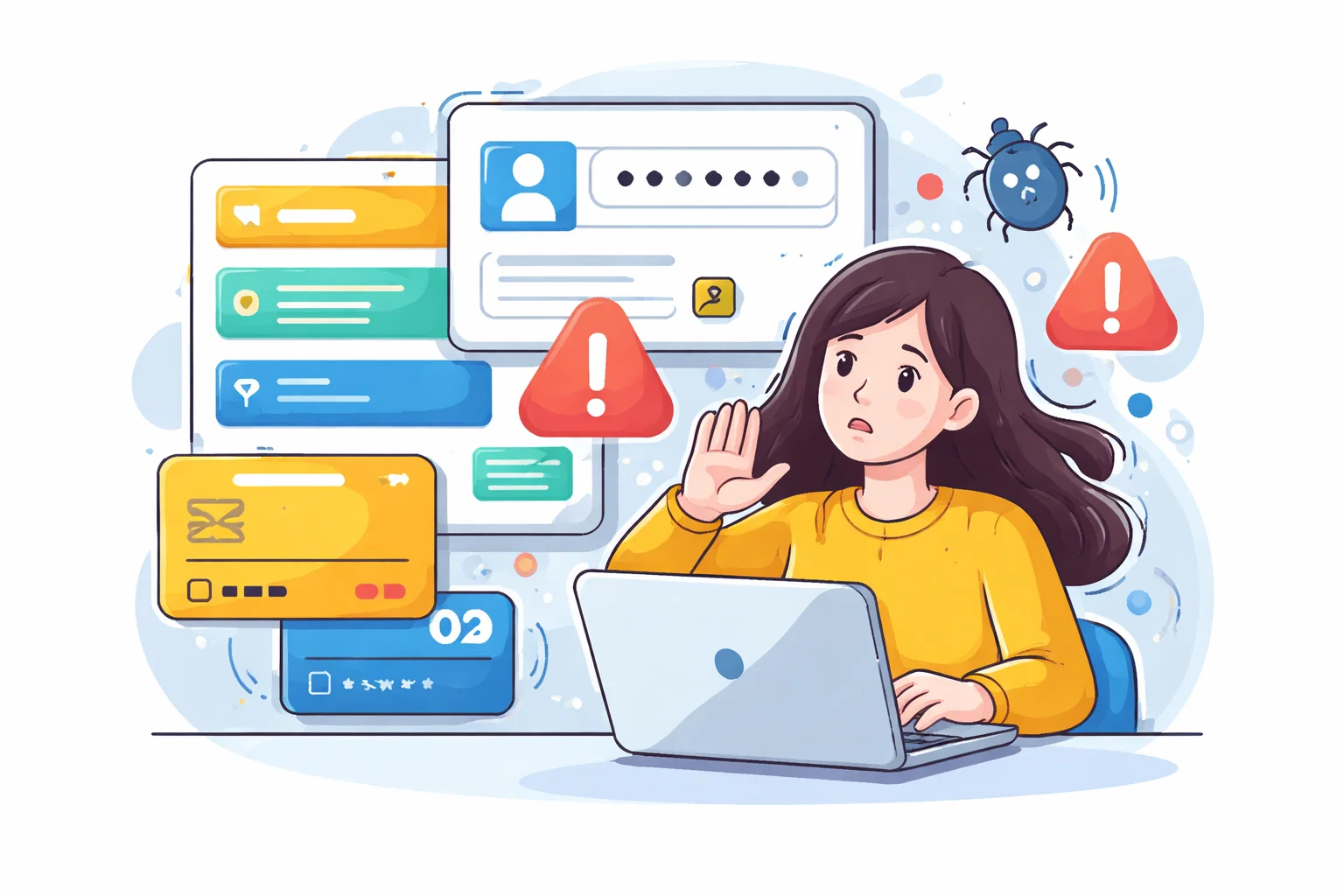
Phishing Still Works Because It Exploits Attention, Not Just Technology
People often talk about phishing as if it succeeds because the fake page looked convincing enough.
That is only part of the story.
Phishing usually works because it arrives at the wrong moment: when someone is busy, worried, under time pressure or already expecting a message about billing, delivery, security or access.
That is why one of the most effective security habits is behavioural rather than technical:
- do not trust urgency by default
- do not use the link inside the message if the account matters
- verify using a path you control
If the message says your bank needs action, open the bank app directly. If a service says there was a login problem, type the domain yourself. If an email claims to come from your admin platform, check the sender domain and your actual account session before acting.
The important shift is this: official-looking language is not evidence.
Keep Devices And Browsers Current Because Old Software Lowers The Cost Of Attack
Attackers prefer cheap opportunities.
Outdated software creates them.
An unpatched browser, phone or laptop gives attackers access to known weaknesses that often require less effort than breaking a stronger account setup. That does not mean every outdated device will be compromised immediately. It means the cost of compromise becomes lower.
So the baseline here is simple:
- keep operating systems current
- keep browsers current
- remove software you no longer use
- stop delaying updates indefinitely on devices that handle important accounts
For personal users, auto-update is often the right default. For small organisations, the discipline matters even more because a neglected device can become the weak link that bypasses better policy elsewhere.
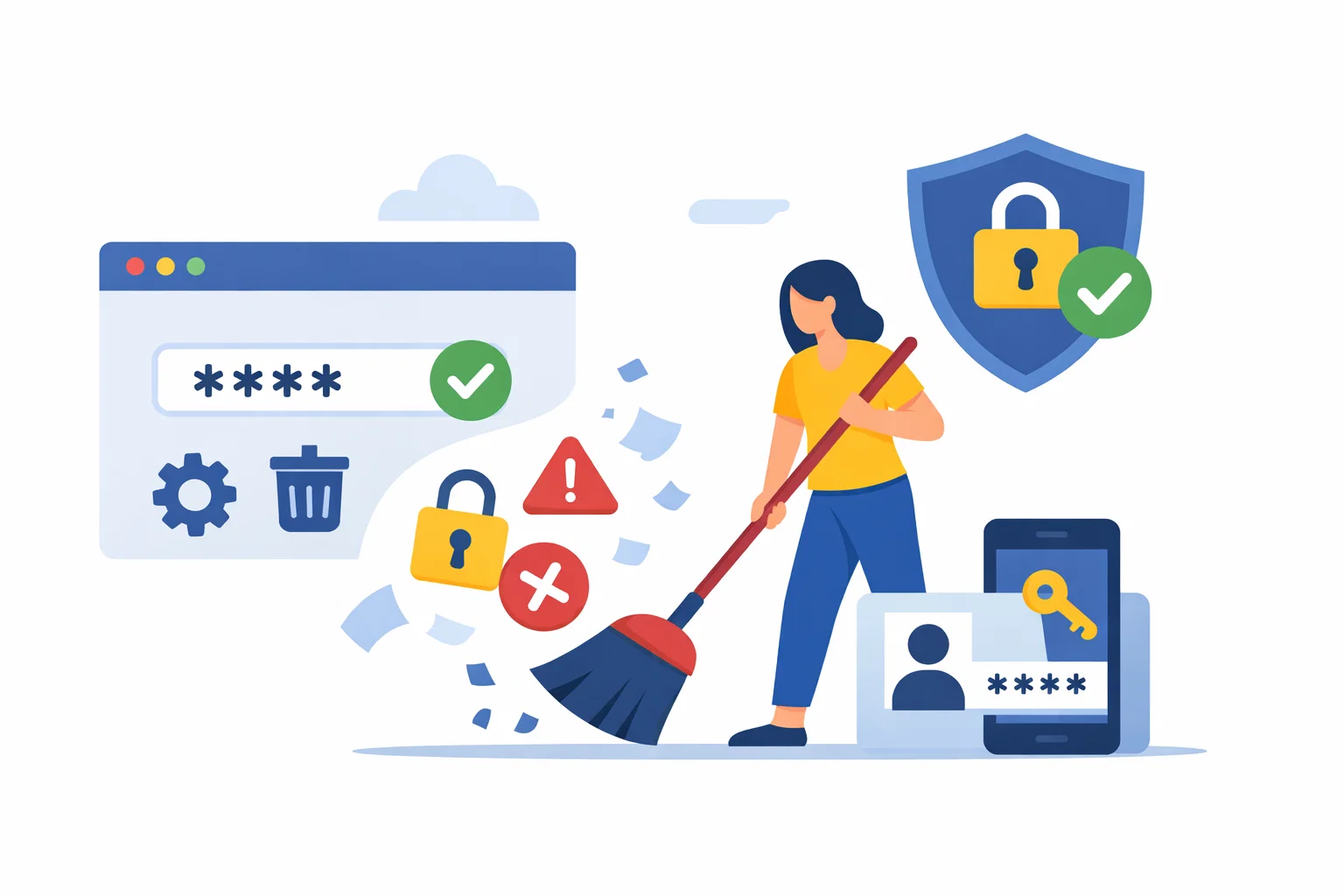
Treat Recovery Settings As Part Of Security, Not Admin Cleanup
A lot of people improve passwords and two-factor authentication while ignoring account recovery settings.
That is a mistake.
An attacker does not always need to defeat your main login if they can take over the recovery path instead.
Check that:
- recovery email addresses are still yours
- recovery phone numbers are still valid
- old team members or ex-partners are not still linked to accounts
- backup codes are stored safely
- recovery questions, where they still exist, are not trivially guessable
This is unglamorous work, but it closes one of the most common gaps in otherwise decent account security.
Payment Safety Is Mostly About Segmentation And Verification
Financial fraud often becomes easier when people use the same devices, browser habits and account routines for everything.
A better baseline is to make payment activity slightly more deliberate.
That means:
- using bank apps or trusted bookmarks rather than links in messages
- avoiding payment or account changes on shared or unstable networks
- watching for fake support interactions and fake invoice pressure
- reviewing transaction alerts and recent activity regularly
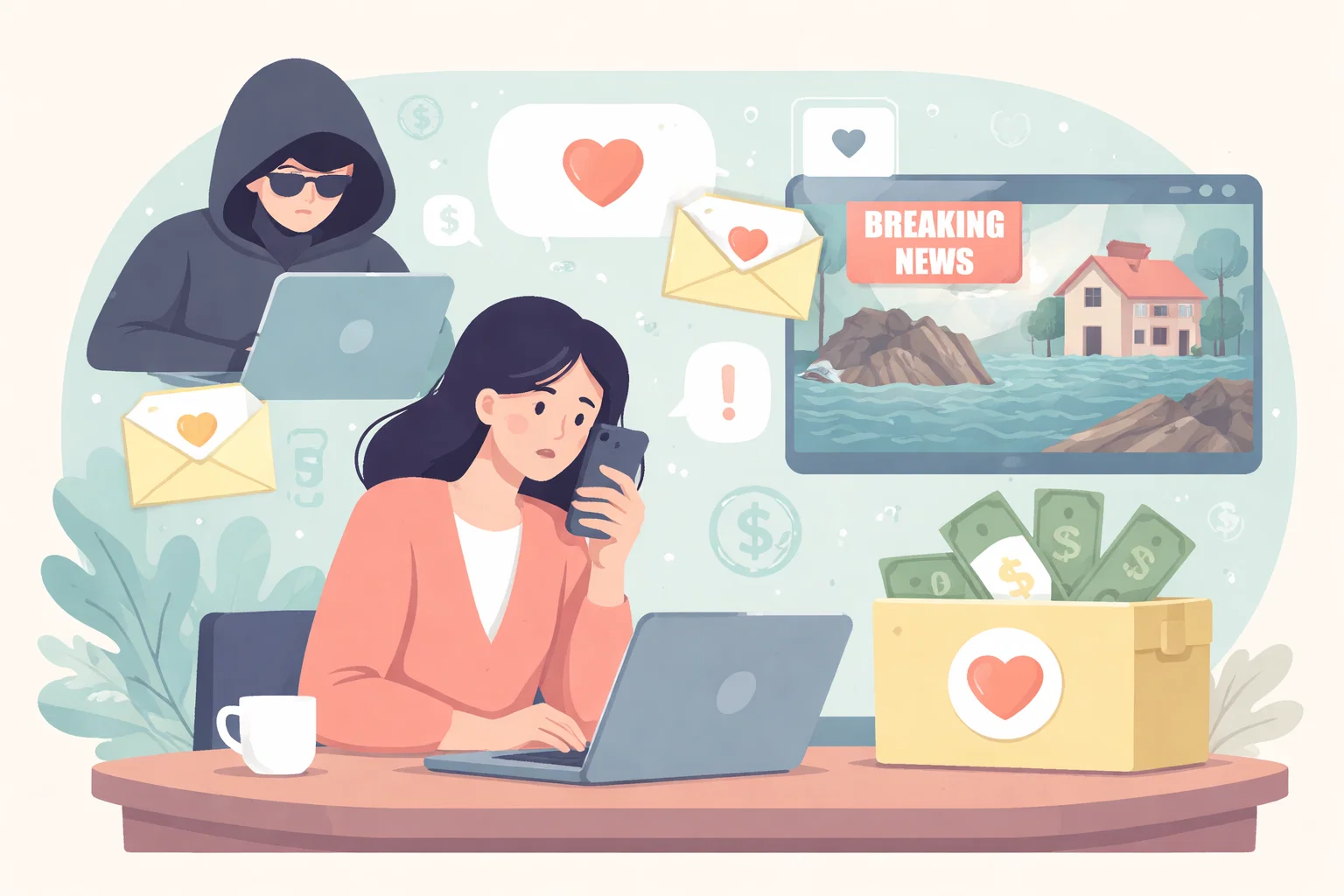
Fraud campaigns often rely on creating a small, plausible interruption that moves the target into a reactive state. The best defence is usually not technical brilliance. It is refusing to let the attacker set the pace.
Safety Improves When The Routine Is Small Enough To Repeat
The reason baselines matter is that people can actually maintain them.
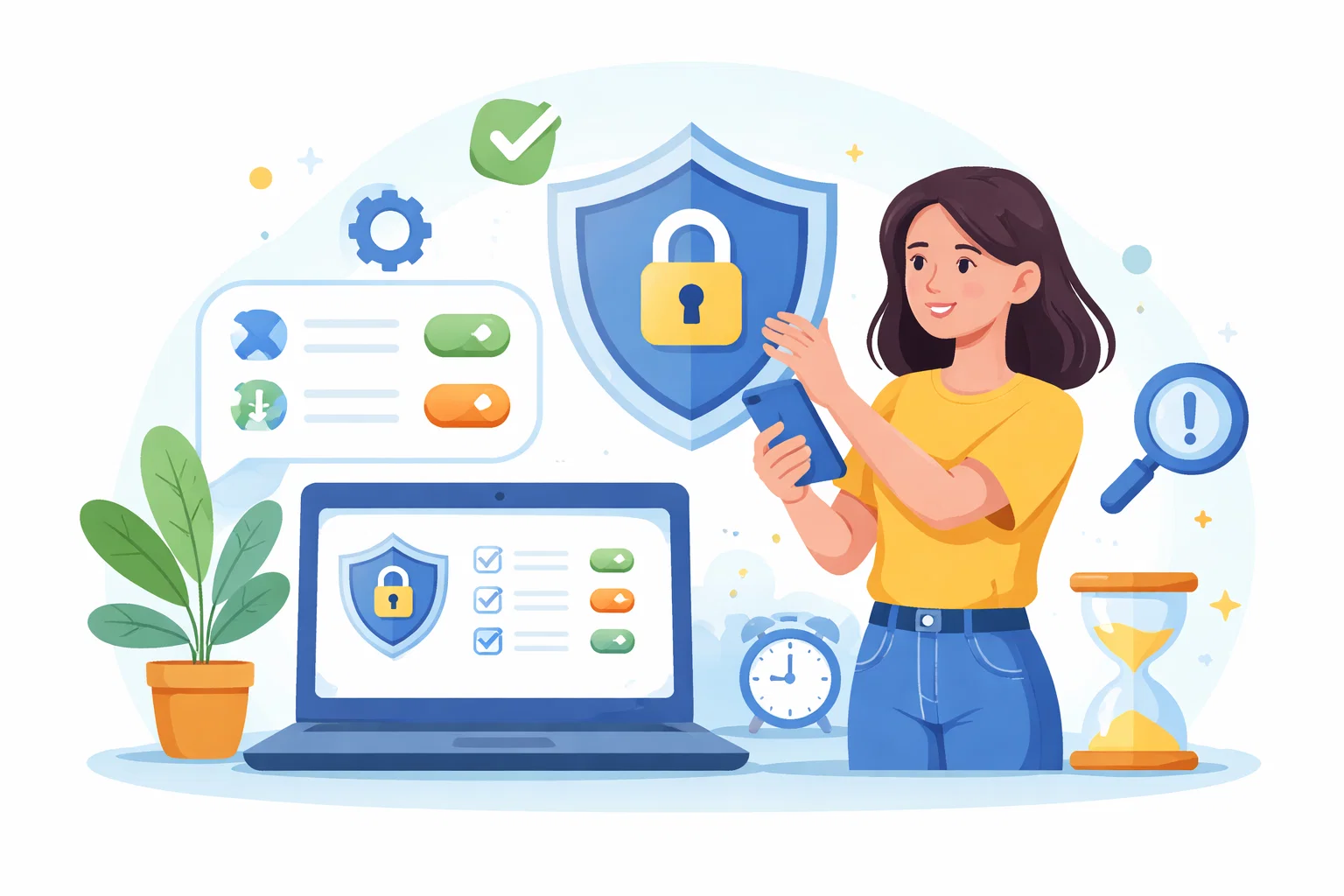
For most readers, a strong starting routine looks like this:
- use a password manager with unique passwords
- enable two-factor authentication on core accounts
- verify important messages through a trusted path, not the embedded link
- keep devices and browsers updated
- review recovery settings and active sessions regularly
That is not everything. It is enough to reduce a large amount of ordinary risk.
Good Security Hygiene Is Usually Quiet And Repetitive
The internet is full of dramatic security language, but real resilience is usually built through calm, repetitive habits.
You do not need to become paranoid to become safer.
You need to make the most common mistakes less available to yourself.
That is what a baseline is for.