Hotel sign-in pages and rogue network portals
Hotel and travel Wi-Fi portals often feel routine, which is why fake or confusing ones can catch people off guard. Here, I explain how to verify sign-in pages before you type anything important.

Share
Checking read-aloud support…
Why This Topic Matters
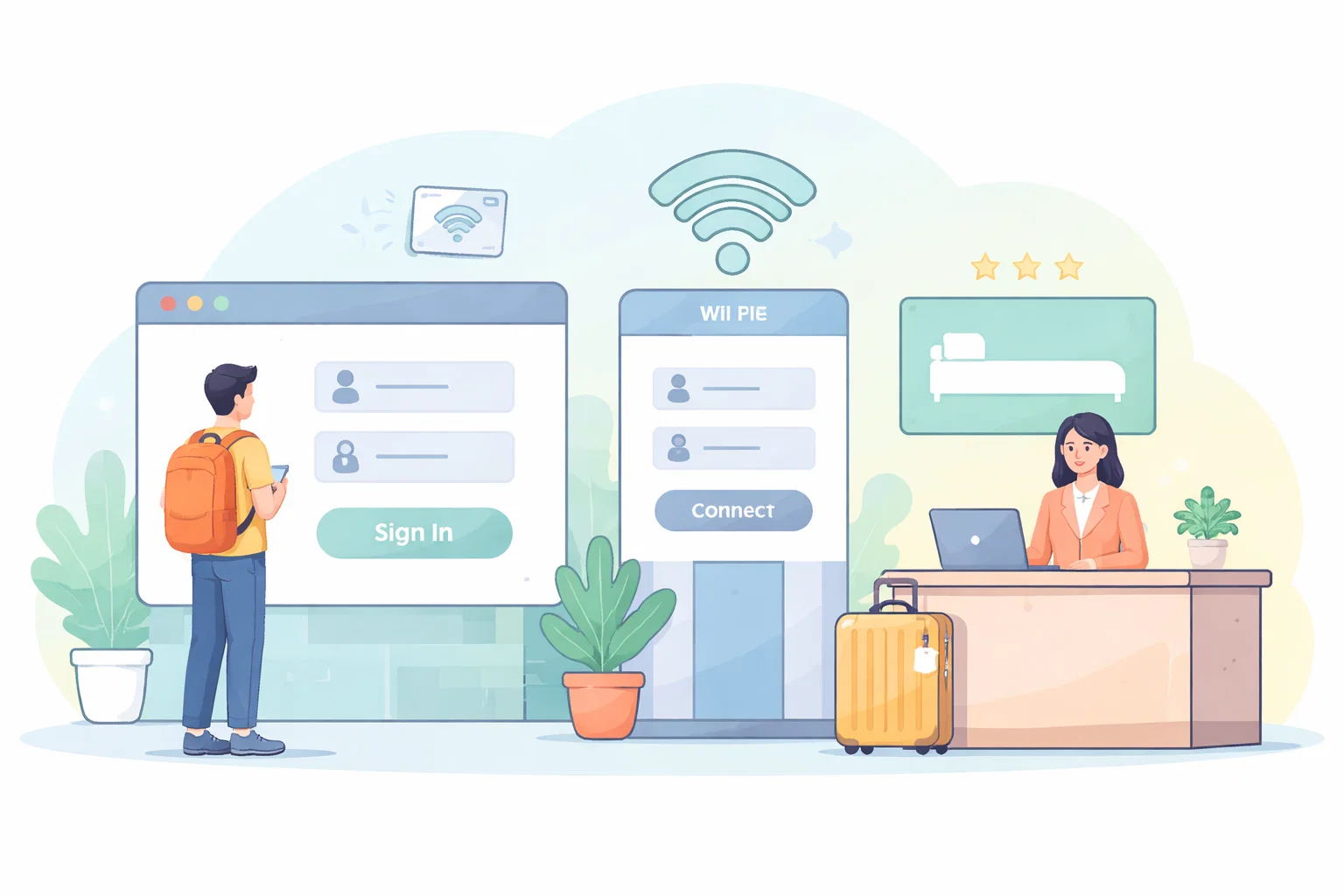
Captive portals are familiar enough that people often stop thinking about them. You connect, a page opens, and you do whatever it asks to get online. That routine is exactly why travel sign-in pages deserve more verification than they usually receive.
Some hotel or venue portals are merely clumsy. Others can be imitated or replaced by attackers who know people will accept almost any login-looking screen when they are tired and trying to get connected quickly.
What To Check First
When I want this kind of review to stay practical, I start with the places where drift usually hides.
That means checking:
- network names that do not match what staff or signage stated
- portals asking for account credentials unrelated to simple access
- certificate or browser warnings appearing before the page loads
- login pages that feel off-brand or overly intrusive compared with the venue itself
The point is not to inspect every possible edge case in one sitting. It is to surface the obvious points where convenience has quietly expanded risk.
Build A Repeatable Routine
Good security and attention habits are easier to keep when the routine is short enough to repeat and specific enough to survive a busy day.
The routine I would use here is:
- verify the exact network name before connecting
- use the portal only for the minimum required access step
- avoid entering unrelated account credentials into a venue portal
- switch to a hotspot or wait if the portal behaviour looks inconsistent or pushy
A short routine is valuable because it lowers the odds that this review gets postponed until something has already gone wrong.
What Usually Goes Wrong
The common mistake is treating every portal as a harmless formality. In a travel environment, the portal is part of the trust decision, not just a step on the way to the real internet.
This is why I prefer smaller, repeatable maintenance over dramatic resets. People are much more likely to keep a system healthy if the work feels proportionate.
A Better Baseline
A venue login page should explain access, not ask for more trust than the situation justifies. If it does, slow down and verify before you proceed.
That is the standard I care about: not performative complexity, but a setup that is easier to trust because it has been reviewed deliberately.