Privacy tune-ups in 15 minutes
Privacy usually slips through small defaults rather than one obvious mistake. Here, I share a short routine for tightening everyday settings without turning it into a full-time job.

Share
Checking read-aloud support…
Privacy Usually Slips Through Small Neglect, Not One Huge Failure
Most privacy loss does not arrive as a dramatic breach.
It builds gradually.
A new app keeps account access longer than expected. A social platform quietly changes a default. Old sessions stay active on devices you forgot about. A recovery path points somewhere outdated. A service starts sharing more activity than you realised.
None of those issues feel urgent in isolation. That is exactly why they are so easy to ignore.
A short privacy tune-up works because it targets the places where drift happens most often. The point is not to redesign your whole digital life every week. It is to keep the default state from becoming too permissive.
Start With Active Sessions
If you only have a few minutes, active sessions are one of the highest-value things to review.
Most major services now show where your account is currently signed in, or where it has recently been used.
Check:
- email accounts
- cloud storage
- social accounts
- identity providers such as Apple, Google or Microsoft
- password managers
You are looking for devices you no longer use, locations that do not make sense, or sessions that stayed open longer than you intended.
This is a useful privacy habit because it quickly reveals where your account footprint is larger than you thought.
Remove Stale App Permissions
Third-party app access is one of the quietest ways to lose control over personal data.
A service that you tested once two years ago may still have read access to email metadata, calendar entries, contact lists or storage areas. A login connected through Google, Apple or Microsoft can keep broad permissions long after the original use case has disappeared.
That is why permission review deserves a regular slot.
Ask:
- do I still use this integration
- does it still need this level of access
- would I knowingly grant this today if I were starting again
If the answer is unclear, remove it.
Check Recovery Details While You Are Calm
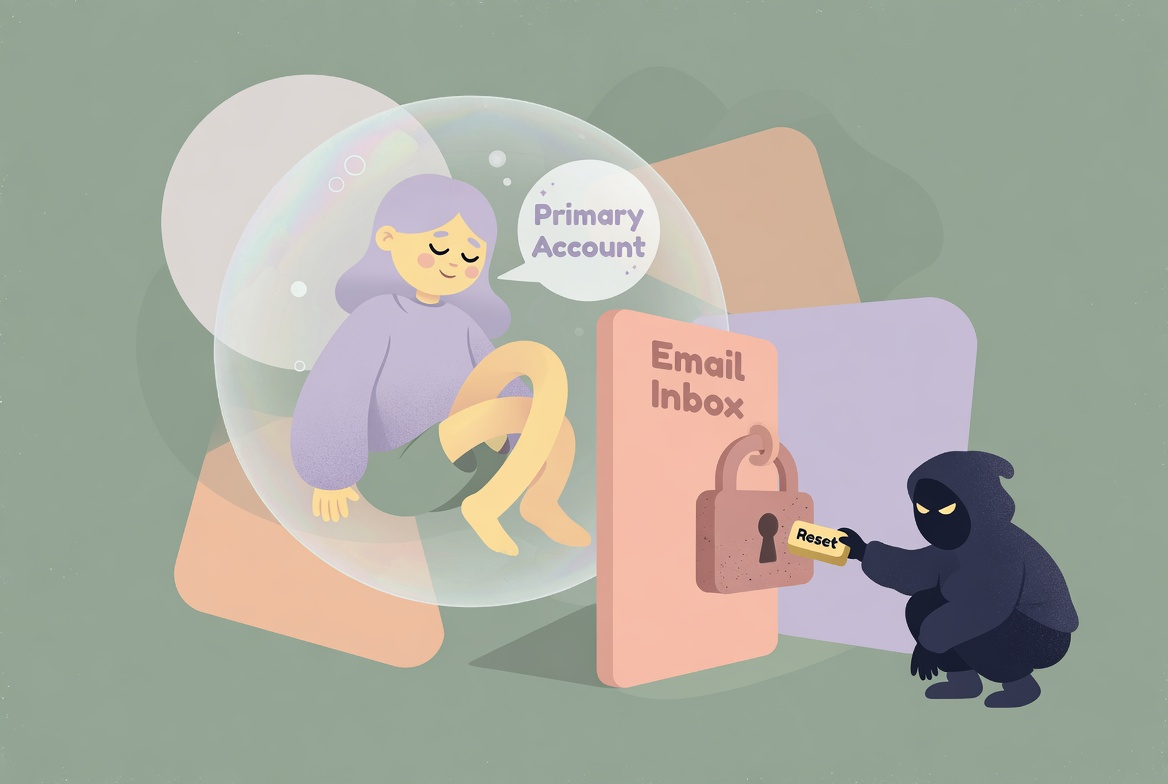
Recovery settings are often only reviewed when something has already gone wrong.
That is late.
A quick privacy tune-up should confirm that:
- recovery email addresses are current
- backup phone numbers are still valid
- backup codes exist and are stored safely
- old contacts or devices are no longer linked
This matters because privacy and account control overlap. If someone can hijack your recovery process, the rest of your settings matter less than you think.
Review Social Sharing Defaults
Many platforms encourage visibility by default.
That can mean public profile details, activity sharing, searchable contact information or behavioural settings that expose more than most people actively intended.
A short review should look at:
- who can view your profile details
- whether your posts or activity are public by default
- whether your contact details are exposed unnecessarily
- whether the platform is using your behaviour for features you never asked for
The goal is not to disappear. It is to bring the account back into line with the level of visibility you actually want.
Notification Settings Affect Privacy More Than They Seem To
Notifications can reveal information on lock screens, shared devices and screens visible to other people. They can also act as behavioural hooks that keep you engaging with systems more often than necessary.
Part of a practical privacy routine is checking whether notifications are:
- visible on locked devices
- coming from apps that do not need them
- encouraging re-engagement in ways you no longer want
Reducing notification exposure is both a privacy and attention improvement.
Browser And Device Basics Matter Too
Fifteen minutes is not enough for a full technical review, but it is enough to check the obvious basics.
That means:
- is the browser current
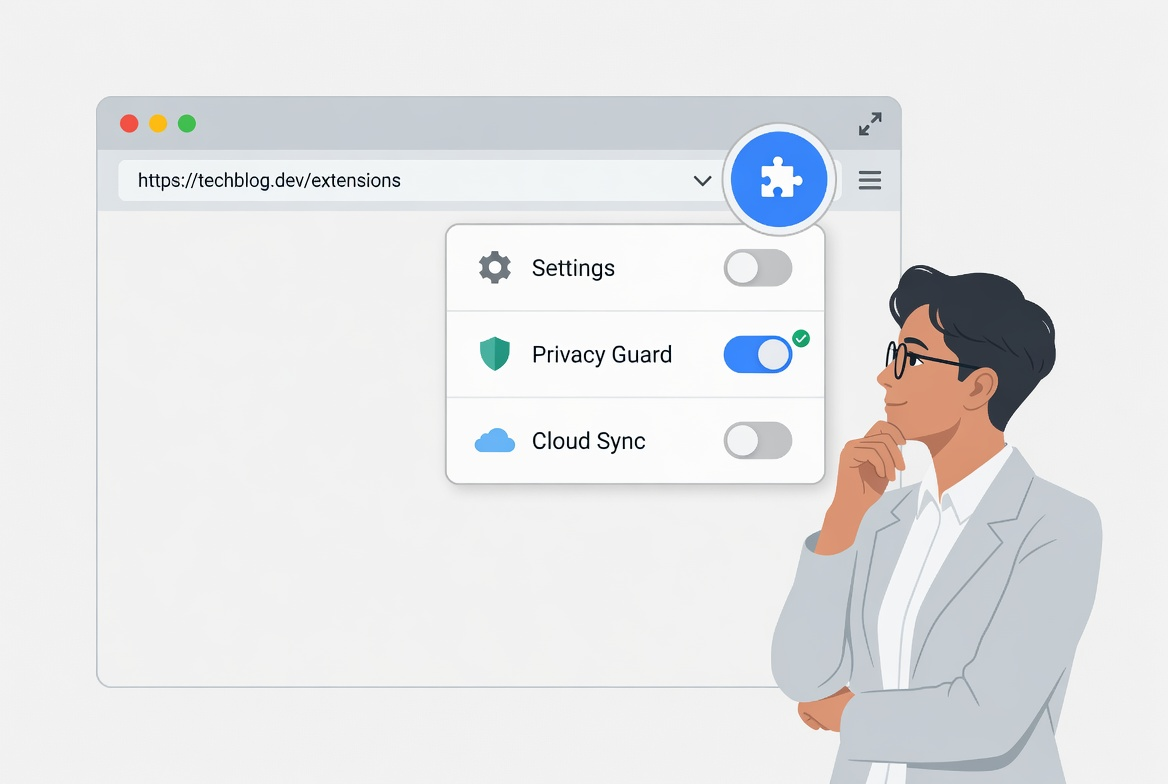
- are unused extensions still installed
- is Bluetooth or local sharing left on unnecessarily
- are there devices you no longer trust still linked to the account ecosystem
Privacy weakens when the surrounding device state is loose. These are not separate concerns.
Small, Repeatable Checks Beat Rare Overhauls
The reason I prefer short tune-ups is that people actually do them.
A huge quarterly privacy reset sounds responsible, but it often gets delayed because it feels like too much work. A short weekly or fortnightly routine is much more realistic.
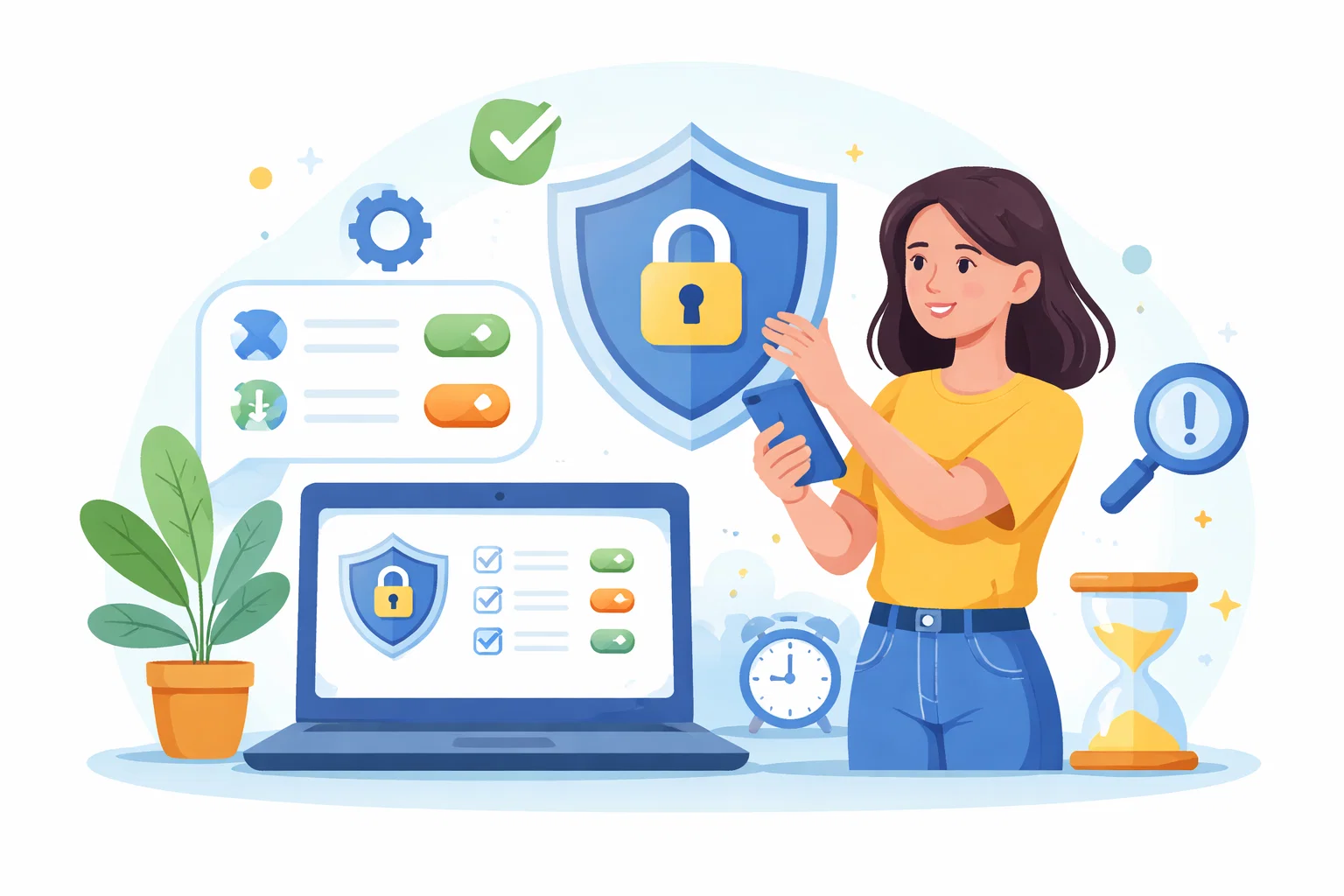
The routine I return to is simple:
- review active sessions
- remove stale app permissions
- verify recovery settings
- check sharing defaults on important platforms
- reduce unnecessary notification exposure
If there is time left, I also review password-manager entries for weak or duplicated credentials and remove old accounts I no longer need.
Privacy Is Easier To Keep Than To Recover
One reason short tune-ups matter is that privacy loss is often hard to reverse fully. Once access has been granted widely, once data has been collected, or once defaults have been left exposed for a long time, the cleanup can be much harder than the prevention.
That is why these routines are valuable.
They keep the system tighter while the cost of correction is still low.
The Best Privacy Routine Feels Manageable
A good routine should not make you feel like you need to become a full-time administrator of your own life.
It should feel manageable enough that you repeat it.
That is the standard I care about.
If a 15-minute tune-up keeps your accounts, permissions and sharing defaults from drifting into a state you would never choose intentionally, it is already doing useful work.