Password manager cleanup without breaking access
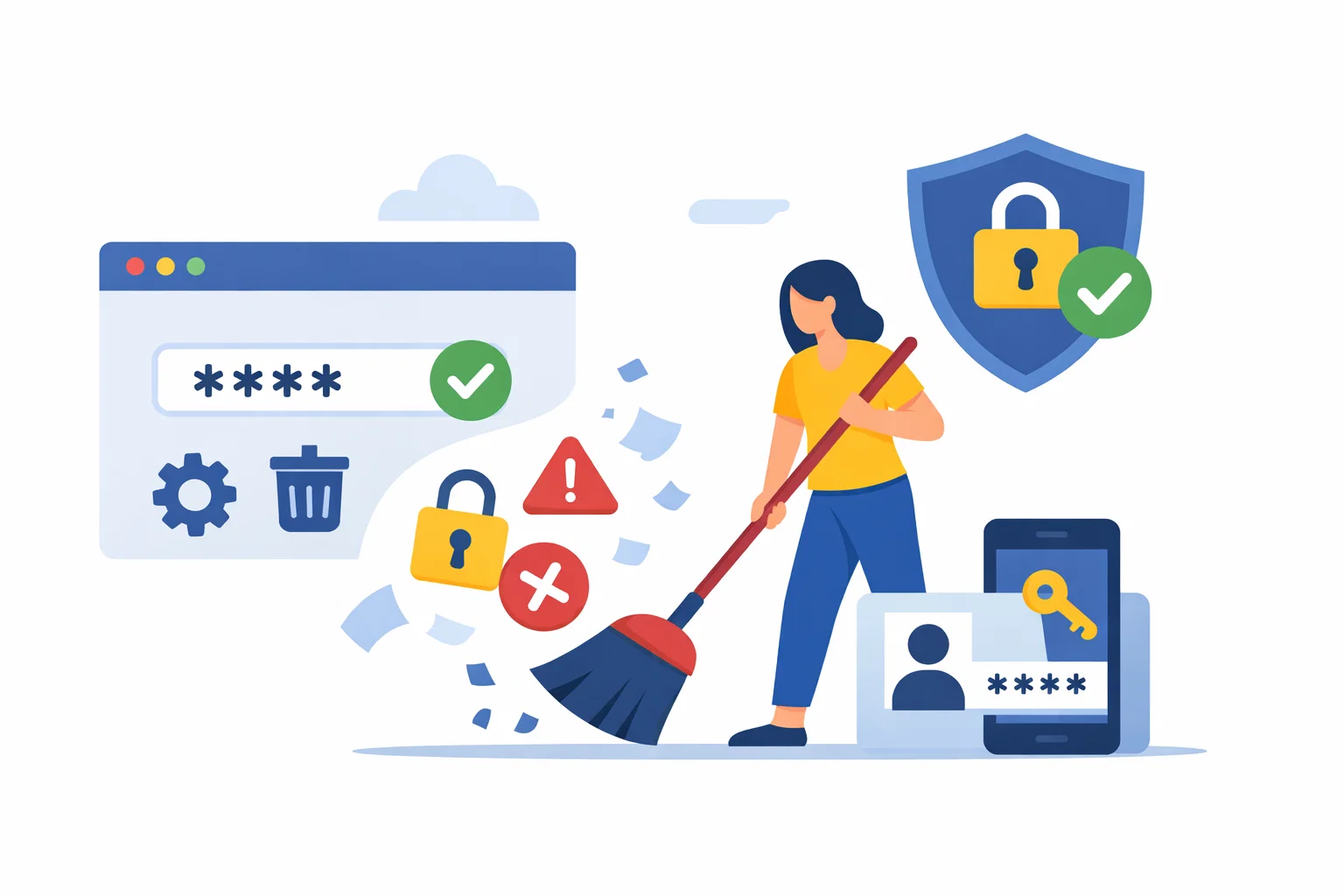
Password managers get cluttered in exactly the same way drawers do. Here, I outline a cleanup routine that reduces confusion and weak entries without breaking the accounts you still need.

Share
Checking read-aloud support…
Why This Topic Matters
A password manager is only as clear as the data inside it. After a few years, many people end up with duplicate logins, old account names, notes that never got updated and entries they are afraid to delete because they do not fully remember what is still live.
That clutter is not harmless. It slows down sign-in decisions, makes it harder to spot weak credentials and leaves stale records of accounts you may not even want anymore.
What To Check First
When I want this kind of review to stay practical, I start with the places where drift usually hides.
That means checking:
- duplicate entries for the same site or service
- old passwords stored as notes after a reset
- accounts linked to defunct email addresses
- saved items with names so vague that you would not trust them under pressure
The point is not to inspect every possible edge case in one sitting. It is to surface the obvious points where convenience has quietly expanded risk.
Build A Repeatable Routine
Good security and attention habits are easier to keep when the routine is short enough to repeat and specific enough to survive a busy day.
The routine I would use here is:
- start with services you use weekly so mistakes are easier to catch
- rename entries in plain language before deleting anything
- archive one uncertain item in secure notes instead of keeping five duplicates
- work through weak or reused credentials while the account is already open
A short routine is valuable because it lowers the odds that this review gets postponed until something has already gone wrong.
What Usually Goes Wrong
The mistake is trying to do a dramatic full purge in one sitting. That tends to create uncertainty and accidental deletion. A better cleanup is slower, more deliberate and based on the accounts you can verify directly.
This is why I prefer smaller, repeatable maintenance over dramatic resets. People are much more likely to keep a system healthy if the work feels proportionate.
A Better Baseline
A tidy password manager reduces both friction and risk. The aim is not perfection. The aim is confidence when you need to log in quickly and safely.
That is the standard I care about: not performative complexity, but a setup that is easier to trust because it has been reviewed deliberately.