A strong separate email password starts the reset
Email is usually where password resets, receipts and recovery messages land. Here, I explain why a strong separate email password should come before tidying the rest of your accounts.

Share
Checking read-aloud support…
Why This Topic Matters
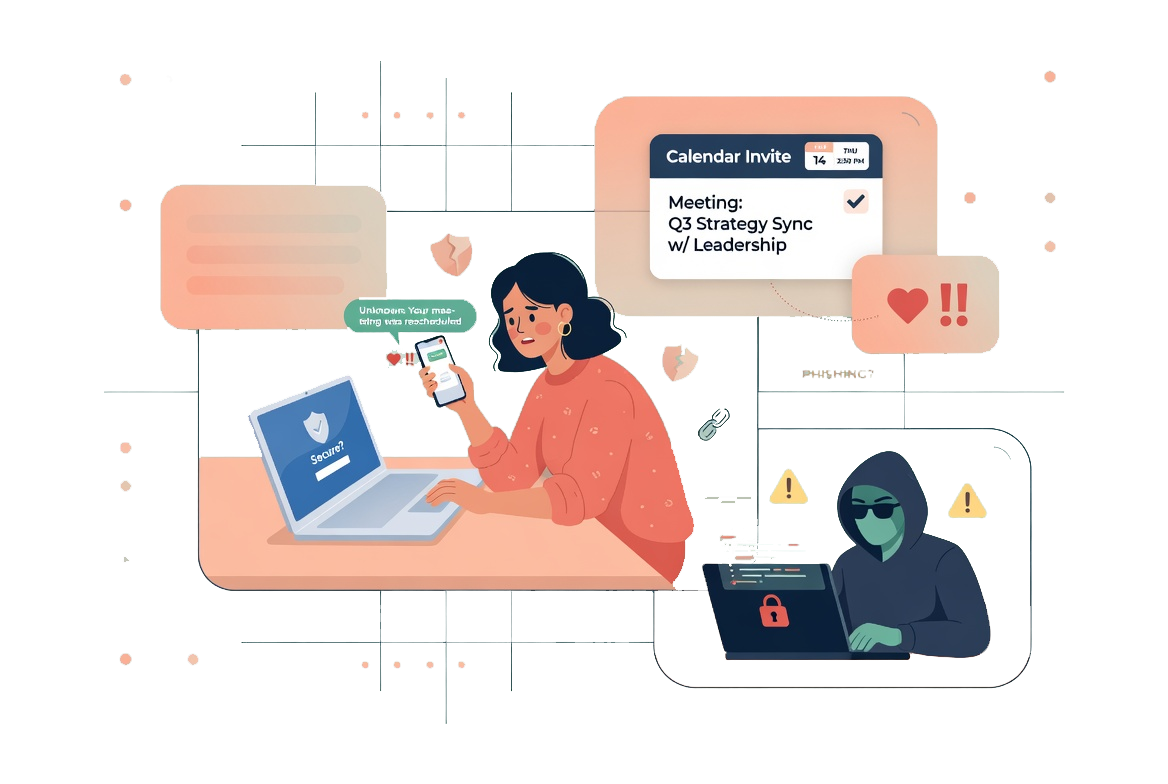
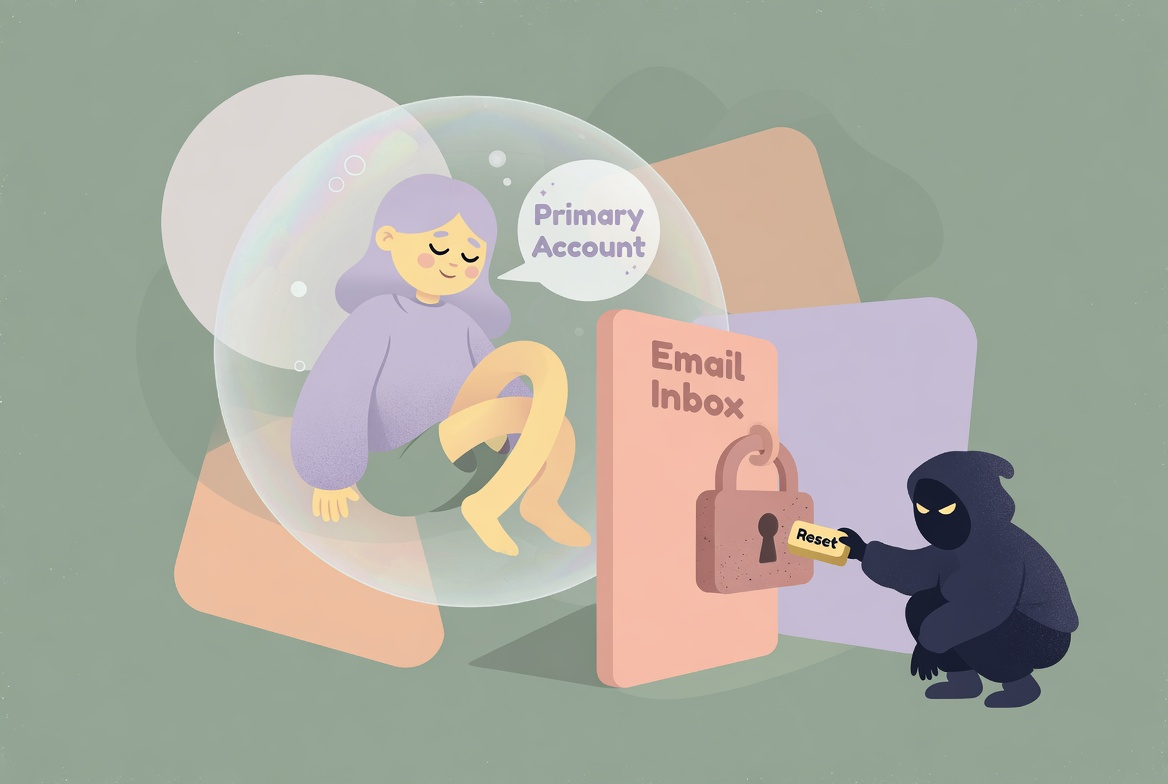
Your email account is not just another login. It is often the place where password reset links, delivery receipts, banking alerts, social media notifications and account recovery messages all arrive.
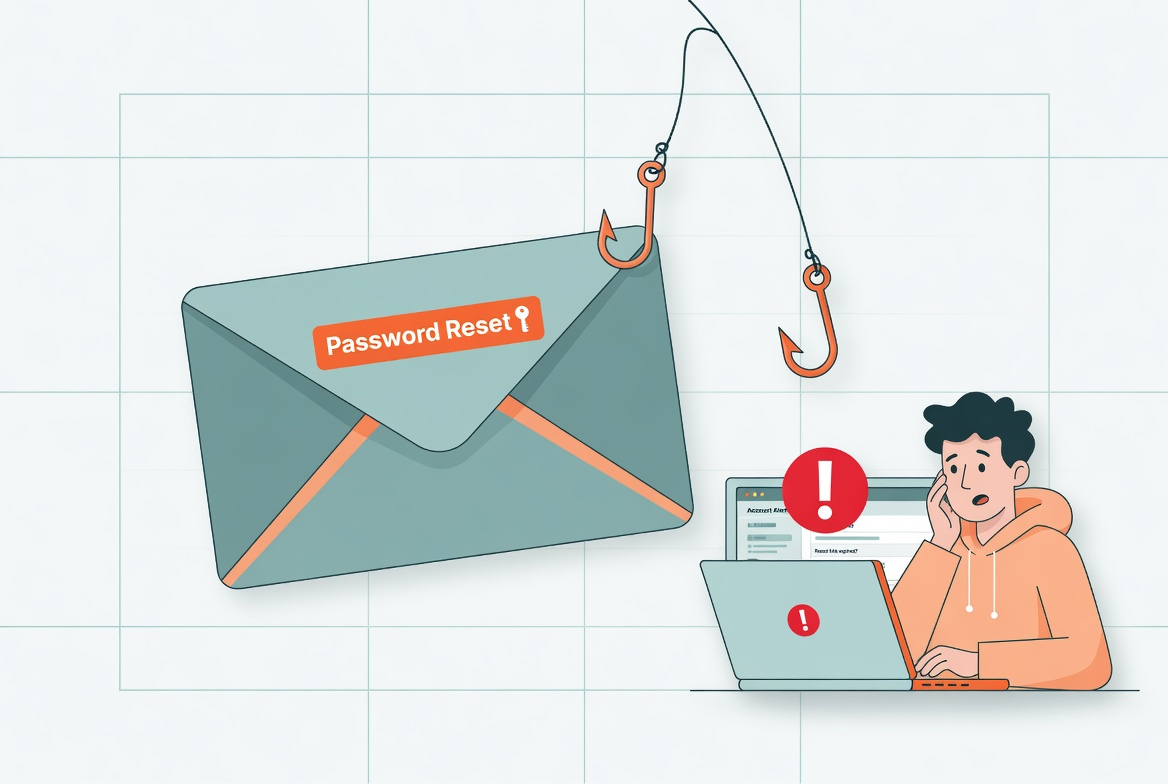
That means a weak or reused email password can create a chain reaction. If someone gets into your email, they may not need to know every other password. They can ask other services to reset them.
The NCSC guidance on using a strong and separate email password makes this point clearly: email needs special treatment because it can unlock other parts of your digital life.
What To Check First
The useful starting point is not whether your email password feels complicated. It is whether it is separate.
Check:
- whether the email password is reused anywhere else
- whether old accounts still use that email address for recovery
- whether recovery phone numbers and backup email addresses are still yours
- whether two-step verification is already switched on
If the answer to any of those is uncertain, treat the email account as the first account to review.
Build A Safer Reset Order
It is tempting to start with the account that annoyed you most recently. A safer routine starts with the account that protects the rest.
The order I would use is:
- change the email password first
- make sure it is not used on any other account
- turn on two-step verification
- review recovery details and recent sign-ins
- then work through banking, shopping and social accounts
That order matters because it stops the reset process being undermined from behind.
What Usually Goes Wrong
The common mistake is treating an email password like a memory problem. People reuse it because they do not want another thing to remember.
That is understandable, but it leaves too much resting on one shared secret. A password manager can make the safer option less annoying by storing a long, unique password you do not need to memorise.
A Better Baseline
A better baseline is simple: your email password should be strong, unique and protected with two-step verification.
That does not make you invincible, but it removes one of the easiest ways for a small account problem to become a much larger one.