Browser extensions you forgot still have access
Coupon tools, AI helpers, screenshot add-ons and utility extensions often outlive the problem they were meant to solve. Here, I explain how to review the access they still hold and trim the ones that no longer deserve it.

Share
Checking read-aloud support…
Why This Topic Matters
Browser extensions often arrive as tiny conveniences. Translate a page faster. Clip something for later. Check prices. Summarise a tab.
That matters because convenience hides how much access some of those tools keep. An extension does not need to look dramatic to see page content, read browsing behaviour or remain present in parts of your workflow you stopped thinking about months ago.
What To Check First
When I want this kind of review to stay practical, I start with the mismatch between current use and current permission.
That means checking:
- extensions you do not actively remember installing
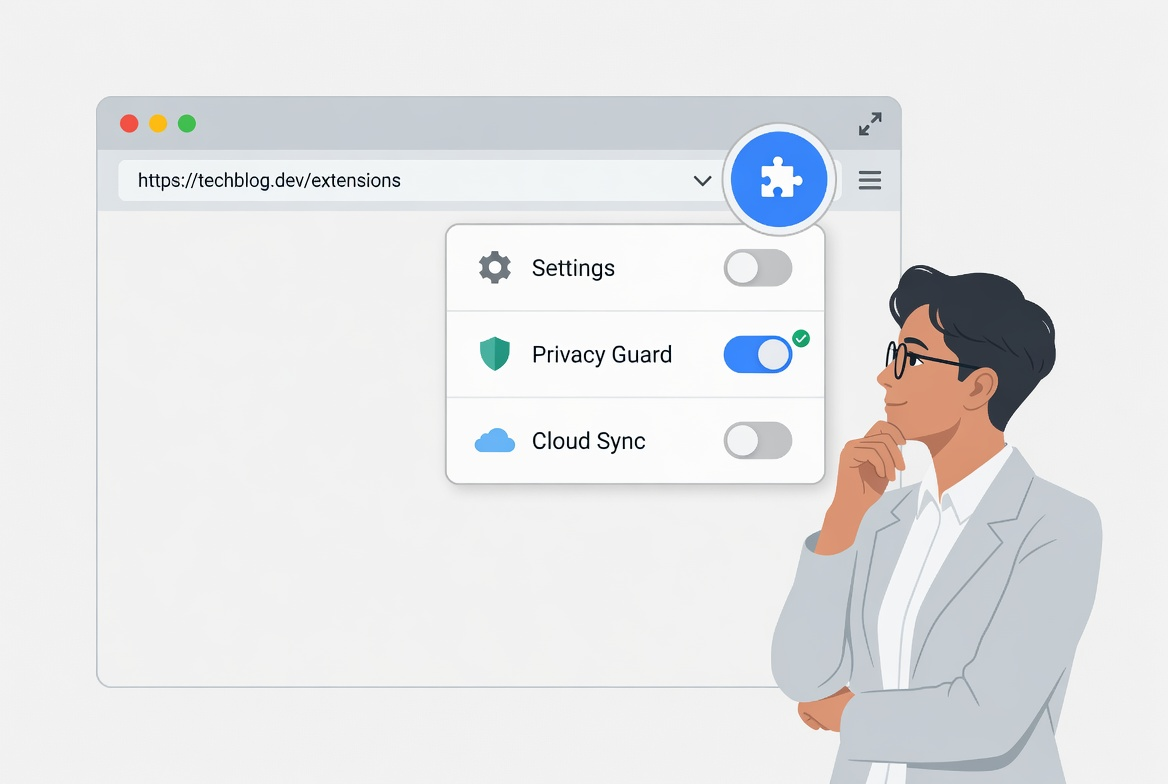
- tools that run on every site rather than only where needed
- add-ons with broad read-and-change permissions across page content
- anything you installed for a one-off job and never reviewed again
The point is not to strip the browser bare. It is to remove the quiet accumulation of access that no longer has a good reason behind it.
Build A Repeatable Routine
The best cleanup here is small and deliberate.
The routine I would use is:
- open the extension list and sort mentally by what you still trust and still use
- remove anything you would struggle to justify installing today
- reduce site access where the browser allows it
- keep a shorter set of tools that you can actually recognise at a glance
A short routine matters because extension sprawl tends to return when the review feels too cumbersome to repeat.
What Usually Goes Wrong
The common mistake is assuming an extension is harmless because it came from a familiar store or behaved well when first installed. Stores reduce some risk, but they do not remove the need for ongoing judgment.
This is why I think of extension review as permission review in a different outfit.
A Better Baseline
A browser is easier to trust when the tools inside it are few enough to remember and narrow enough to explain.
That is the standard I care about: not purity, but a browser setup that stays understandable over time.