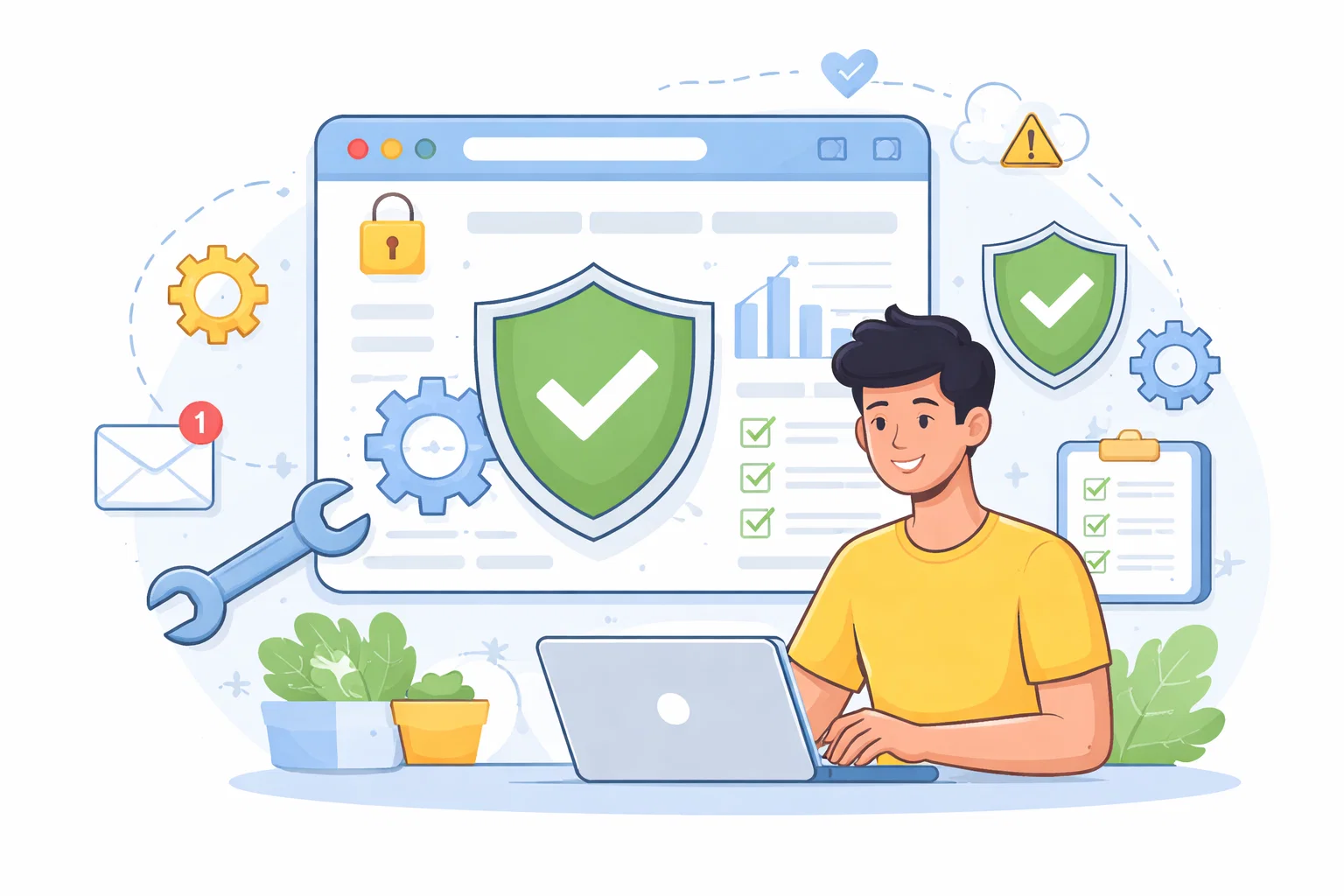
Software updates are security work, not admin
Update prompts can feel like interruption, especially when you are busy. Here, I explain why treating updates as security maintenance is one of the simplest ways to reduce risk.

Share
Checking read-aloud support…
Why This Topic Matters
Updates can look like dull admin. A phone asks to restart. A laptop wants ten minutes. An app says there is a new version. It is easy to treat all of that as background noise.
The problem is that updates often include security fixes. When a weakness is known, attackers may look for devices and apps that have not been patched yet. The delay becomes the risk.
The NCSC guidance on installing software and app updates recommends applying updates promptly and turning on automatic updates where they are available.
What To Check First
The first review should be practical rather than perfect.
Check:
- whether automatic updates are switched on for your phone and computer
- whether browsers update themselves automatically
- whether important apps are waiting for manual updates
- whether any device is too old to receive security updates
That last point matters. An old device that no longer gets updates can look usable while quietly becoming harder to protect.
Build A Routine That Actually Happens
The best update routine is the one that does not depend on you remembering every app.
I would use this pattern:
- switch on automatic updates wherever possible
- set one weekly check for devices that still need manual approval
- restart devices after updates instead of leaving them half-finished
- replace unsupported devices before they become your weakest link
This is the same mindset as a website care plan. Small maintenance, done regularly, prevents bigger problems from accumulating.
What Usually Goes Wrong
The common mistake is waiting until updates feel urgent. By then, you are usually doing security work under pressure, which is when people click the wrong thing or skip the checks that matter.
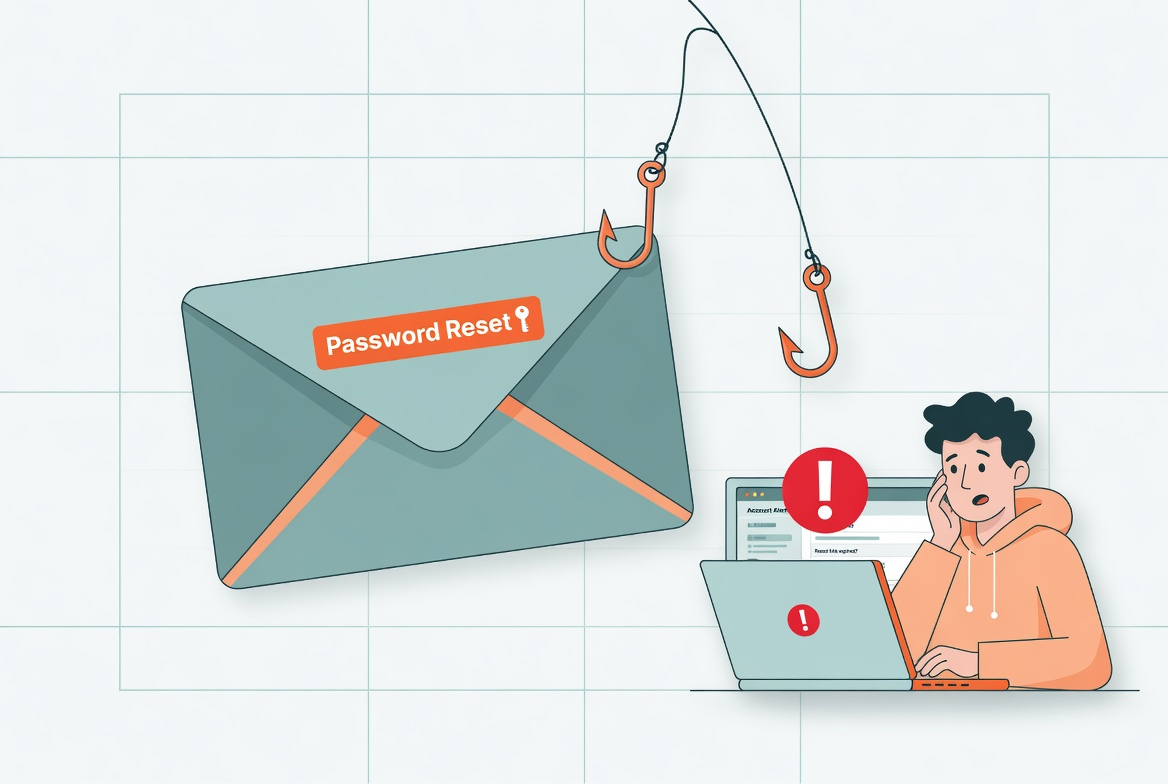
There is also a scam angle. Fake update prompts exist. If a browser window demands an update, close it and update the browser from its own settings or the official app store route instead.
A Better Baseline
Updates should feel boring. That is the point.
A better baseline is a setup where your main devices, browsers and apps update automatically, and the few manual checks left over are handled on a calm schedule rather than during a panic.