A passkey backup plan for real life
Passkeys reduce a lot of password risk, but they still need backup thinking. Here, I explain how to set up recovery and secondary devices so convenience does not become a new point of failure.

Share
Checking read-aloud support…
Why This Topic Matters
Passkeys are often discussed as if the hardest part is simply switching them on. In practice, the bigger question is whether the setup survives the ordinary disruptions people actually have: a lost phone, a replaced laptop, a damaged device or a rushed login away from home.
Security improves when there is a primary method and a calm backup route. Security weakens again when the entire system depends on one handset being available forever.
What To Check First
When I want this kind of review to stay practical, I start with the places where drift usually hides.
That means checking:
- which accounts already support passkeys cleanly
- whether your passkeys sync across devices the way you think they do
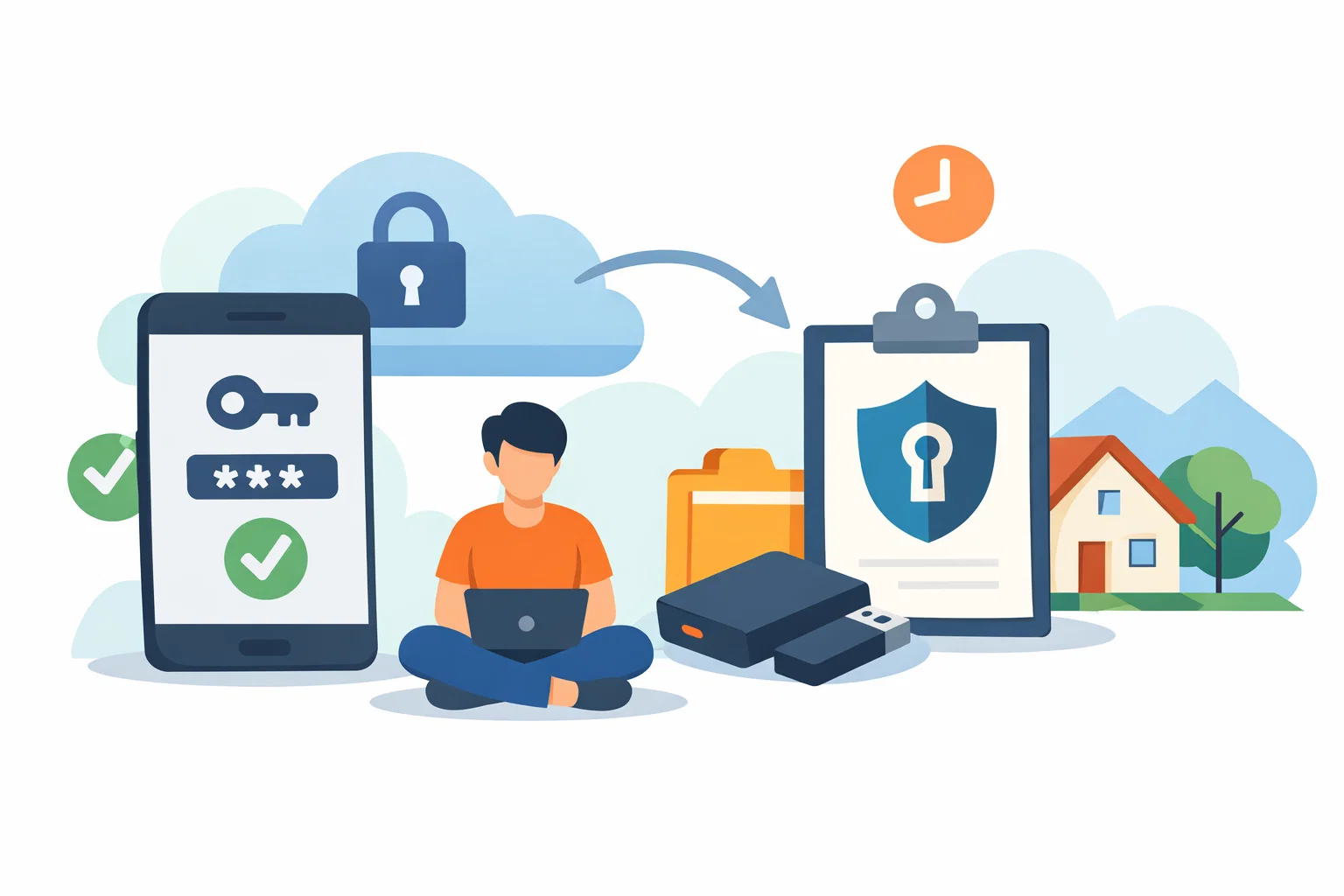
- what secondary device or recovery path exists if your main phone disappears
- whether an older password fallback is still stronger than it needs to be
The point is not to inspect every possible edge case in one sitting. It is to surface the obvious points where convenience has quietly expanded risk.
Build A Repeatable Routine
Good security and attention habits are easier to keep when the routine is short enough to repeat and specific enough to survive a busy day.
The routine I would use here is:
- register a second trusted device while everything is working normally
- keep recovery methods documented in your password manager notes
- test one recovery login before you actually need it
- remove legacy fallbacks that are clearly weaker once the new setup is stable
A short routine is valuable because it lowers the odds that this review gets postponed until something has already gone wrong.
What Usually Goes Wrong
The common mistake is assuming a passkey rollout is finished when the first device works. That is not a rollout. That is a demo. A real setup anticipates device turnover and still lets you recover access without improvising.
This is why I prefer smaller, repeatable maintenance over dramatic resets. People are much more likely to keep a system healthy if the work feels proportionate.
A Better Baseline
If passkeys are going to replace passwords properly, they need the same calm operational thinking as any other important system. One secure device is good. A resilient plan is better.
That is the standard I care about: not performative complexity, but a setup that is easier to trust because it has been reviewed deliberately.