Account recovery checks that stop small lockouts
Account recovery is usually ignored until someone is already locked out. Here, I walk through the checks that keep recovery paths current without turning it into a major admin project.

Share

Checking read-aloud support…
Why This Topic Matters
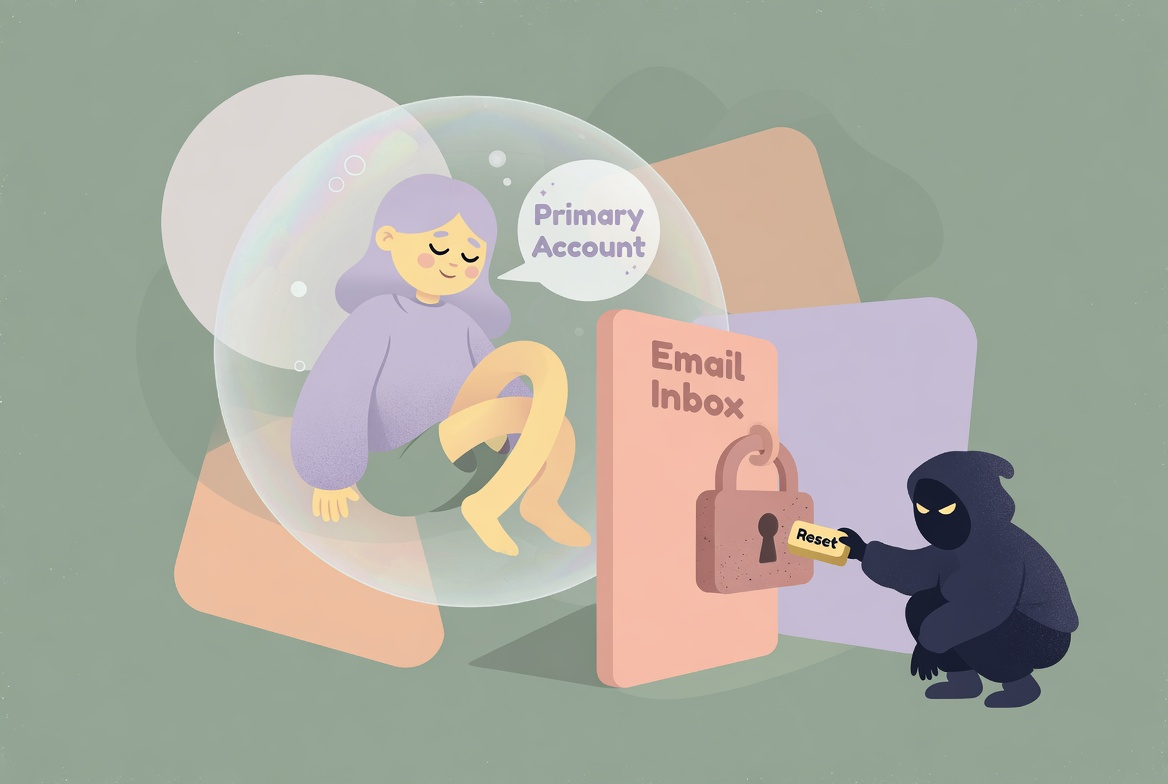
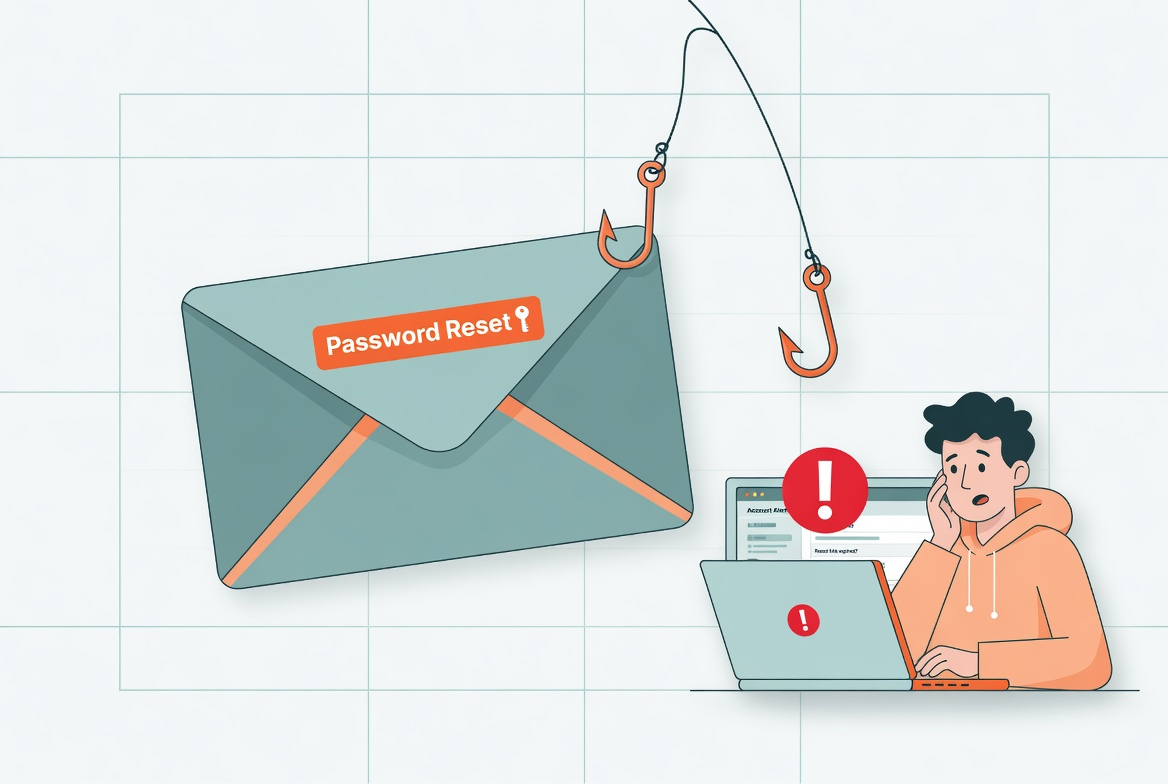
Account recovery is one of those systems people assume is fine because it worked once. Then a phone number changes, an old laptop stays trusted, or backup codes vanish into a folder no one can find when it matters.
The danger is not just getting locked out. Recovery paths are also one of the quietest ways an attacker can take over an account if the surrounding details have drifted for too long.
What To Check First
When I want this kind of review to stay practical, I start with the places where drift usually hides.
That means checking:
- recovery email addresses you still control
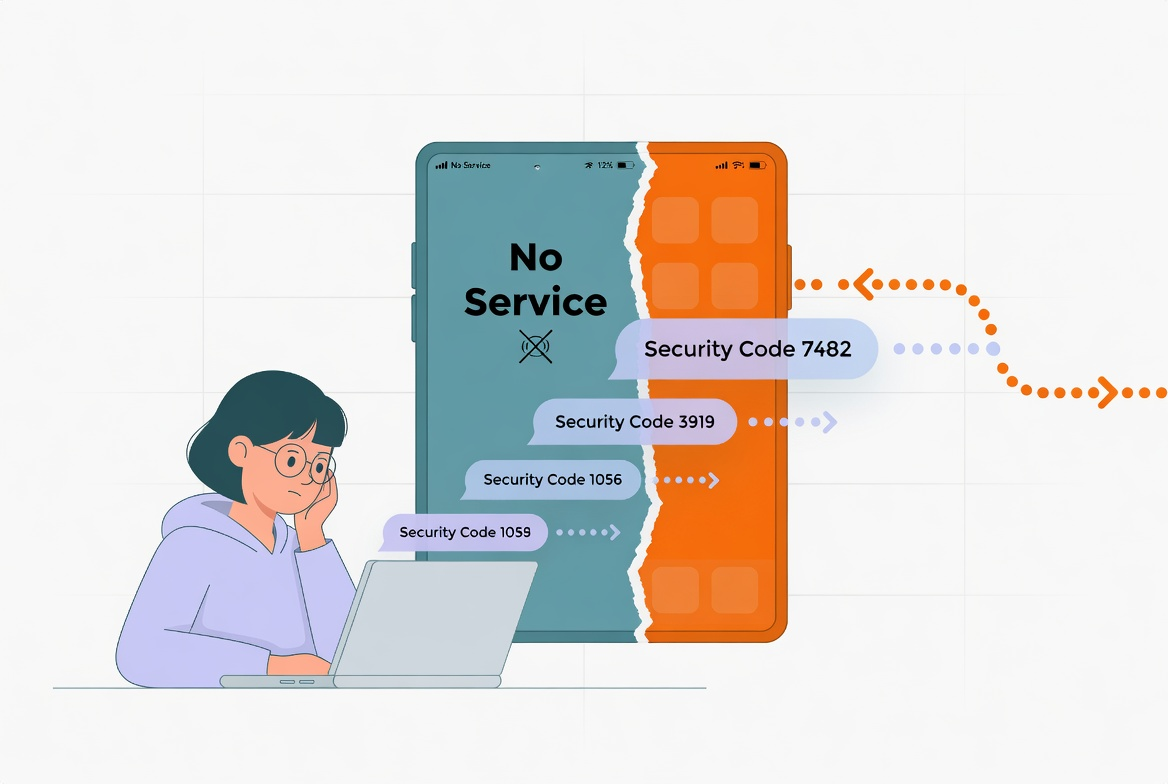
- phone numbers that still receive codes reliably
- backup codes stored somewhere you can actually reach
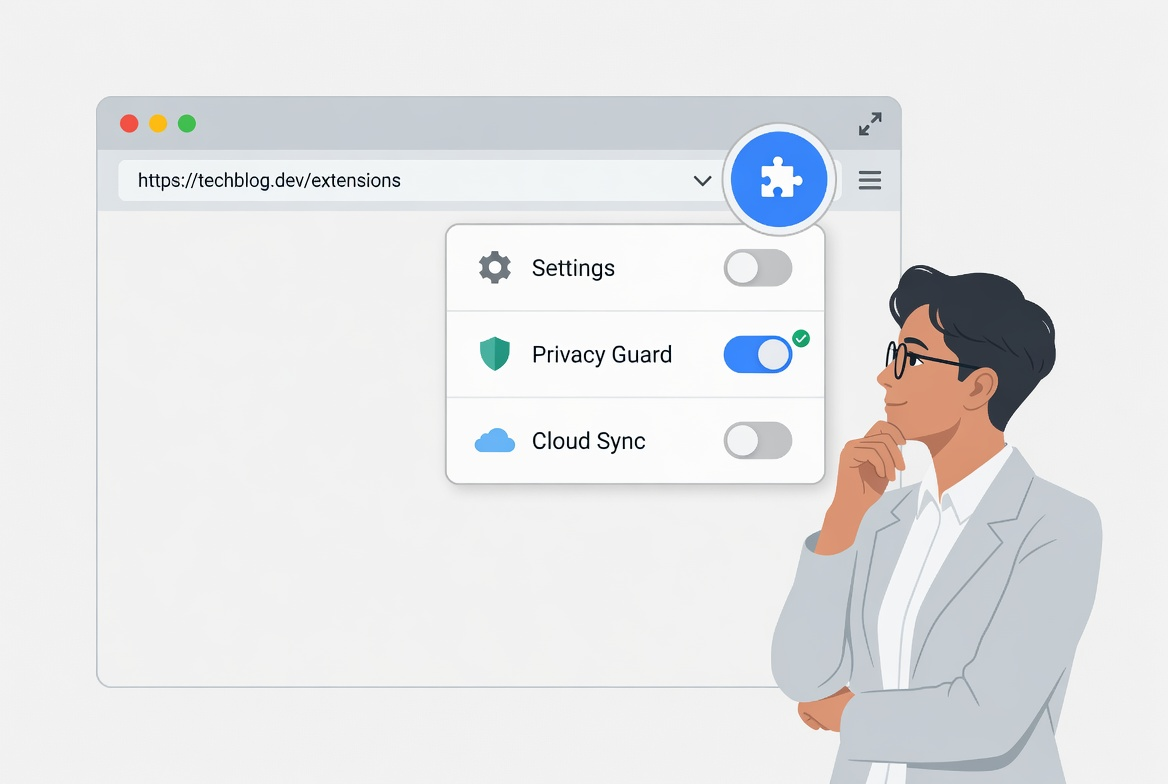
- trusted devices and browser sessions you still recognise
The point is not to inspect every possible edge case in one sitting. It is to surface the obvious points where convenience has quietly expanded risk.
Build A Repeatable Routine
Good security and attention habits are easier to keep when the routine is short enough to repeat and specific enough to survive a busy day.
The routine I would use here is:
- open the security page for your main email account first
- remove one stale recovery method every time you find it
- generate fresh backup codes if you are unsure where the old set went
- repeat the same review on your password manager and cloud storage accounts
A short routine is valuable because it lowers the odds that this review gets postponed until something has already gone wrong.
What Usually Goes Wrong
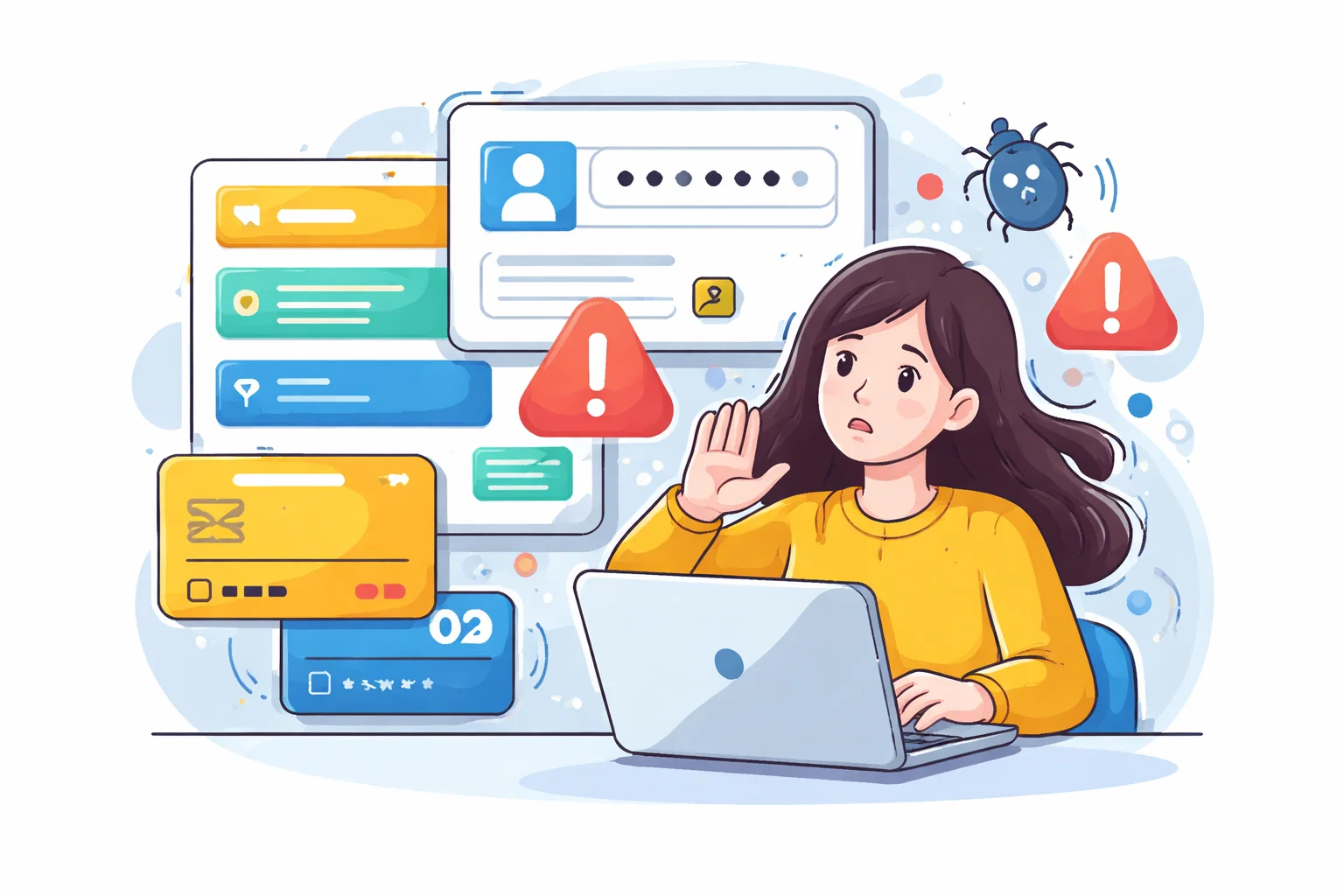
What usually goes wrong is that people treat recovery like an emergency tool instead of a maintained system. If you only look at it under pressure, you are more likely to confirm the wrong device, trust the wrong prompt or discover too late that the details are outdated.
This is why I prefer smaller, repeatable maintenance over dramatic resets. People are much more likely to keep a system healthy if the work feels proportionate.
A Better Baseline
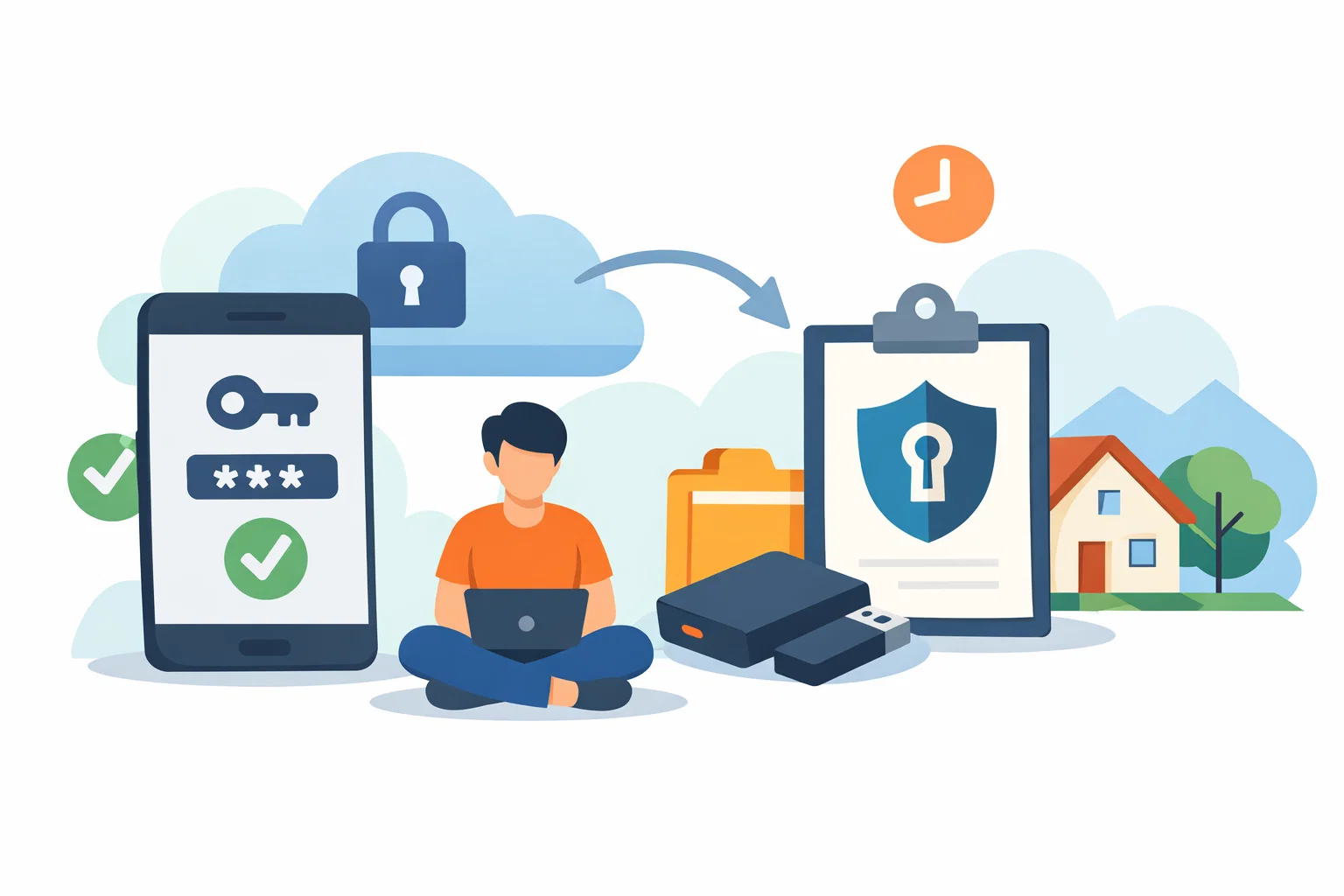
A good recovery setup should feel boring. If it is current, documented and limited to devices you still trust, small access problems stay small.
That is the standard I care about: not performative complexity, but a setup that is easier to trust because it has been reviewed deliberately.