Fake login pages that steal your second factor
Phishing pages increasingly imitate the full login flow, not just the first screen. Here, I explain how they capture second factors too, and what verification habits stop that chain earlier.

Share
Checking read-aloud support…
Why This Topic Matters
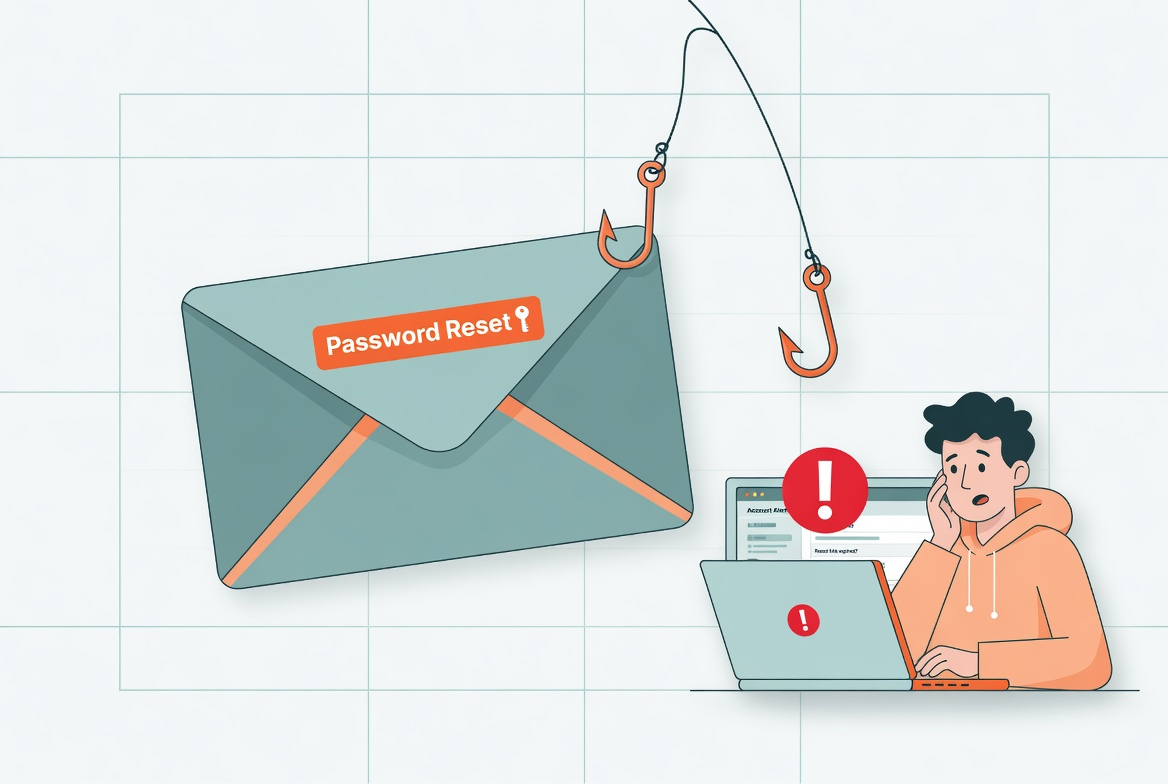
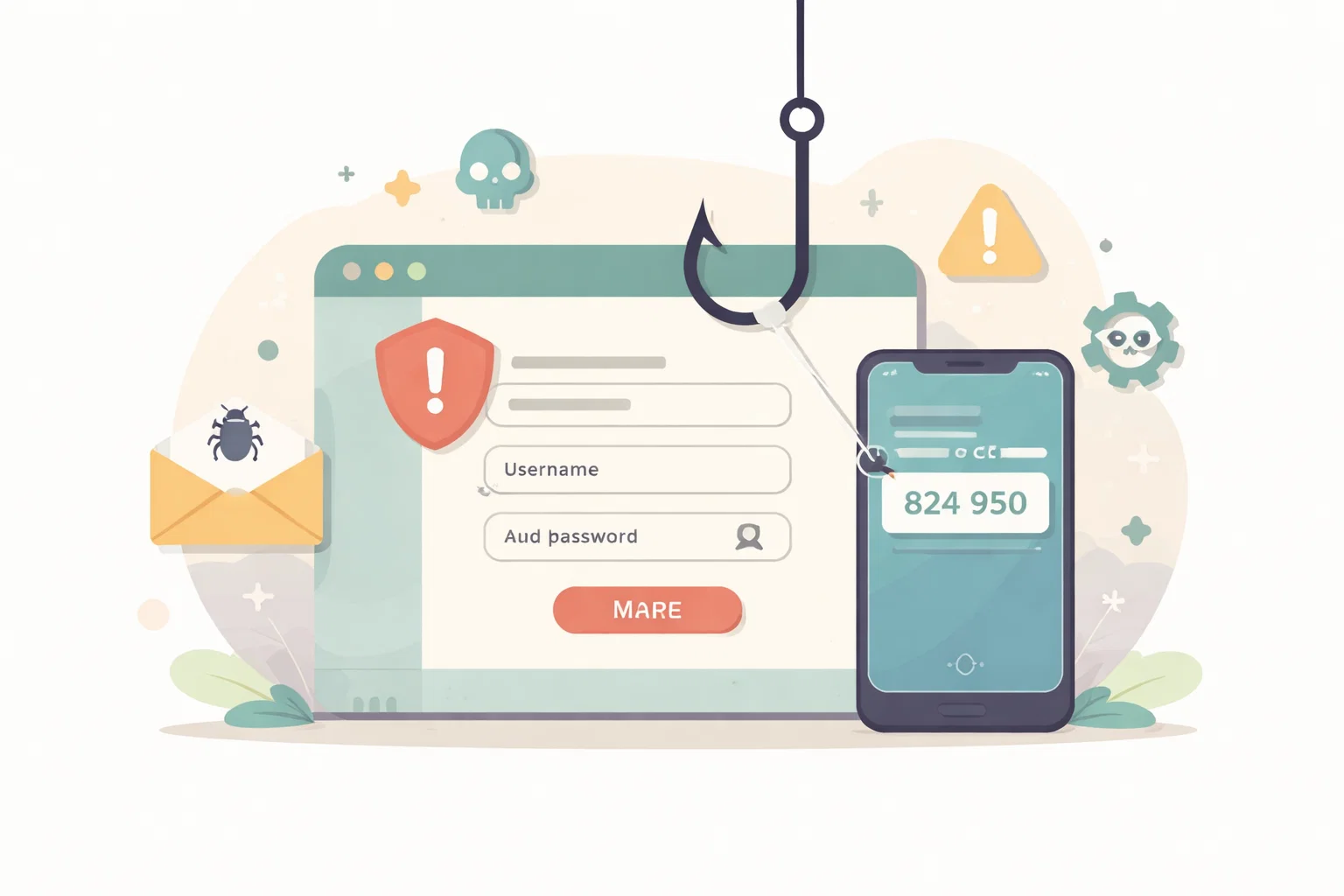
A lot of people still imagine phishing as a crude password grab. In practice, modern fake login pages often imitate the full flow closely enough to harvest not just the password but the approval code or prompt that follows it.
That matters because it breaks the false comfort that second-factor tools automatically save a rushed first click. Stronger login security still helps, but only if the whole sequence is verified properly.
What To Check First
When I want this kind of review to stay practical, I start with the places where drift usually hides.
That means checking:
- domains that resemble the real service without matching it exactly
- login screens reached from messages rather than from the service directly
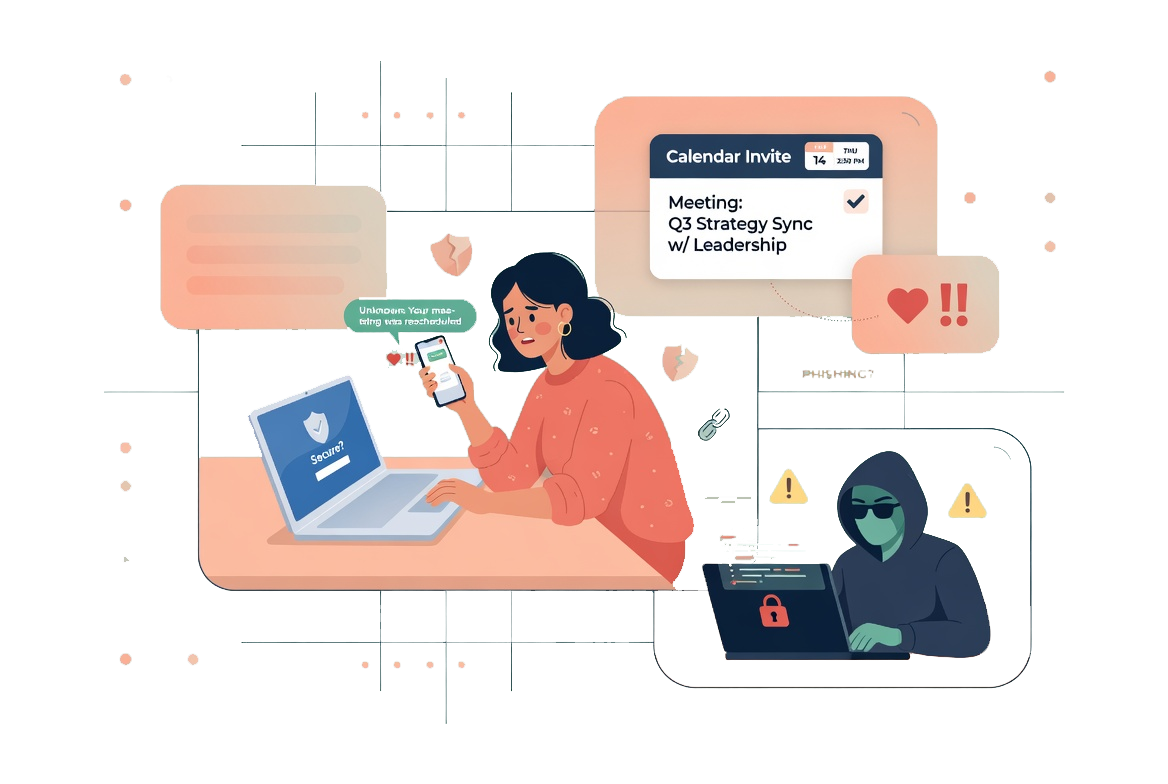
- unexpected prompts to approve a sign-in you did not initiate
- flows that keep moving even when the surrounding context feels wrong
The point is not to inspect every possible edge case in one sitting. It is to surface the obvious points where convenience has quietly expanded risk.
Build A Repeatable Routine
Good security and attention habits are easier to keep when the routine is short enough to repeat and specific enough to survive a busy day.
The routine I would use here is:
- open the service manually instead of using the original link
- treat the address bar as part of the login, not an optional detail
- deny unexpected approval prompts and then change credentials from the real site
- review recent session activity after any near miss
A short routine is valuable because it lowers the odds that this review gets postponed until something has already gone wrong.
What Usually Goes Wrong
The mistake is thinking one careful password is enough. The whole login environment needs to be trusted, from the first page to the final approval step.
This is why I prefer smaller, repeatable maintenance over dramatic resets. People are much more likely to keep a system healthy if the work feels proportionate.
A Better Baseline
A real login becomes clearer as you verify it. A fake login depends on you staying inside the flow long enough that you stop checking.
That is the standard I care about: not performative complexity, but a setup that is easier to trust because it has been reviewed deliberately.