Responding to a broken service page when timing is tight
Broken service pages create pressure fast, but speed alone does not fix the right thing. Here, I explain how to stabilise the page, protect the message and decide what has to change first.

Share

Checking read-aloud support…
Responding to a broken service page when timing is tight
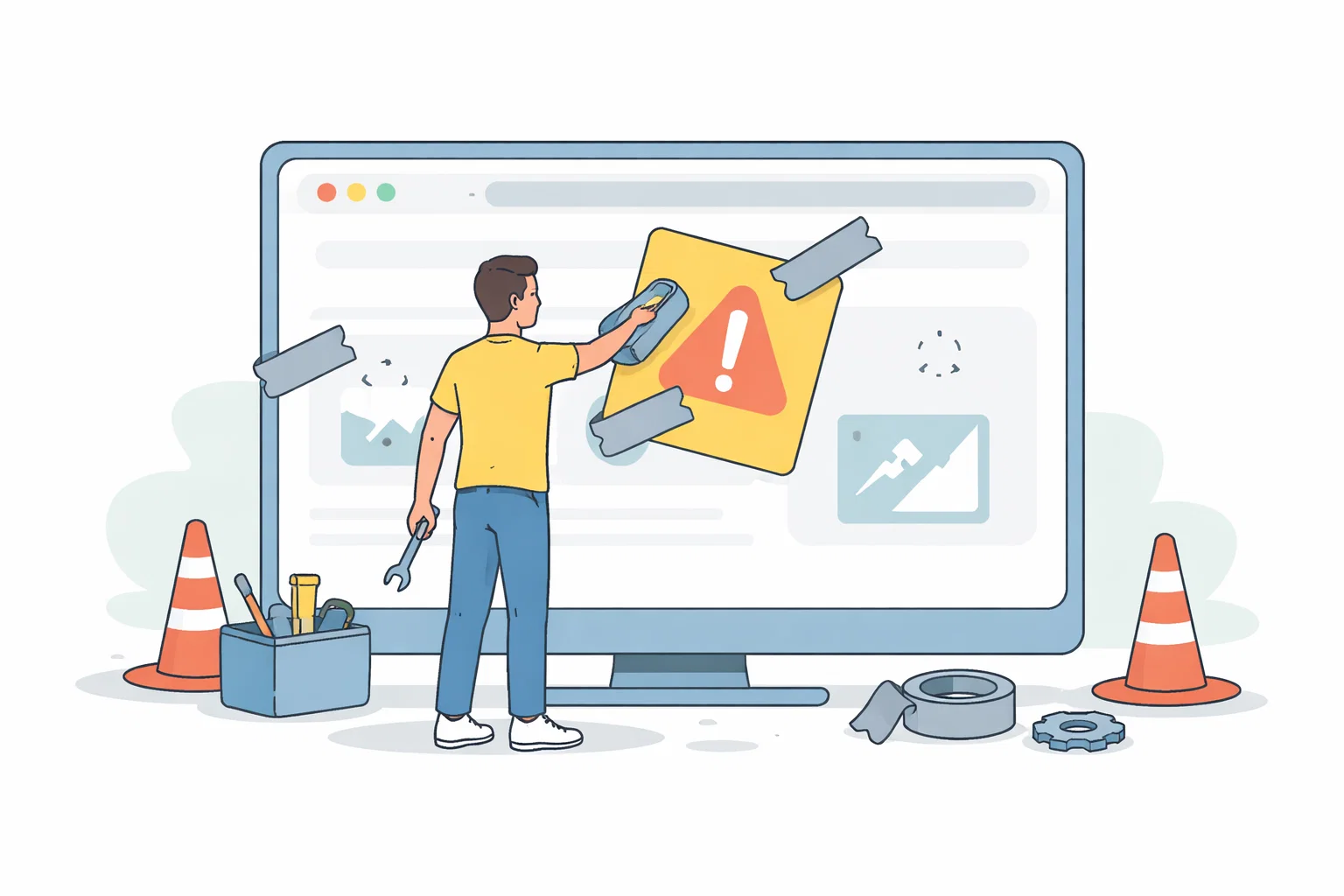
A broken service page rarely feels small when people are already depending on it. If the page is tied to a campaign, a key enquiry route or a live launch, the real job is not simply getting something back on screen. The job is restoring trust quickly enough that the page can do its work again without introducing fresh confusion.
Start With The Pressure Point
The first pressure point is usually uncertainty. Nobody is fully sure whether the break is technical, structural or content-led, and that uncertainty makes teams jump straight to visible fixes. In urgent website work, that usually slows recovery because the real issue has not been isolated yet.
Shape The Work Around One Clear Priority
I would normally narrow the question to one priority: what must this page do in the next few hours or days? If the page mainly needs to explain a service clearly and keep enquiries open, that becomes the filter for every decision. Styling changes, extra sections and broader tidy-up work can wait until the critical path is safe again.
Review The Parts That Influence The Outcome
A useful review here usually checks:
- what has actually stopped working on the page
- whether the key service message is still understandable
- which conversion path needs protecting first
- what can be deferred until the page is stable again
That order matters because it stops the page from becoming a general reaction to pressure. The clearer the sequence becomes, the easier it is to decide what needs action now and what can wait until the situation is steadier.
Avoid Creating A Bigger Problem
A common mistake is fixing the visible symptom while leaving the decision problem untouched. Teams reword the hero, replace imagery or move blocks around before they have confirmed what failed. That kind of urgency feels active, but it often creates a second round of edits because nobody agreed on the actual recovery target.
What Better Looks Like
A stronger outcome looks calmer than people expect. The page becomes legible again, the essential route back into the service is protected and the team has a short list of what still needs attention after the immediate pressure has passed. That is better than a dramatic redesign performed under stress.
Keep The Next Step Proportionate
If the response is proportionate, the next step is usually a focused follow-up review rather than another emergency sprint. That keeps the urgent fix useful instead of letting it become the start of a larger mess.