A backup routine before you need it
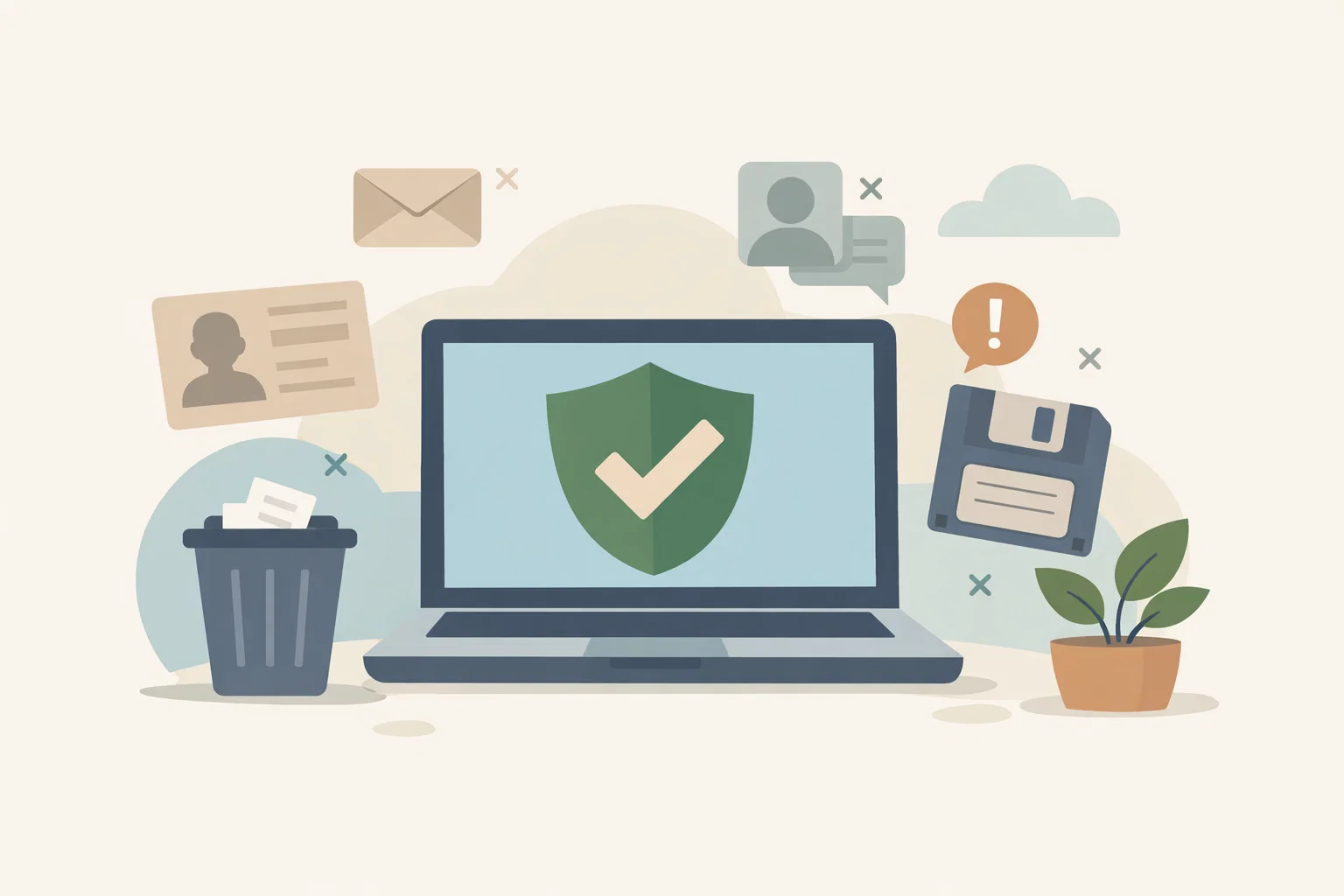
A backup is only useful if it exists before the laptop breaks, the phone disappears or a file gets deleted. Here, I outline a simple routine for protecting everyday data.

Share
Checking read-aloud support…
Why This Topic Matters
Most people think about backups after something has already gone wrong. A phone is lost. A laptop stops starting. A folder disappears. A ransomware message appears where normal files used to be.
That is a painful time to discover there is no spare copy.
The NCSC guidance on backing up your data explains that backups help you recover important photos, documents and personal files when the original copy is lost, damaged or inaccessible.
What To Check First
Start by deciding what would actually hurt to lose.
Check:
- photos and videos you cannot replace
- documents you need for work, money or identity
- contact lists and calendar data
- website files, drafts or project notes
- anything stored only on one device
The aim is not to back up clutter. It is to protect the data that would cause stress, cost or real loss if it disappeared.
Cloud And Removable Copies
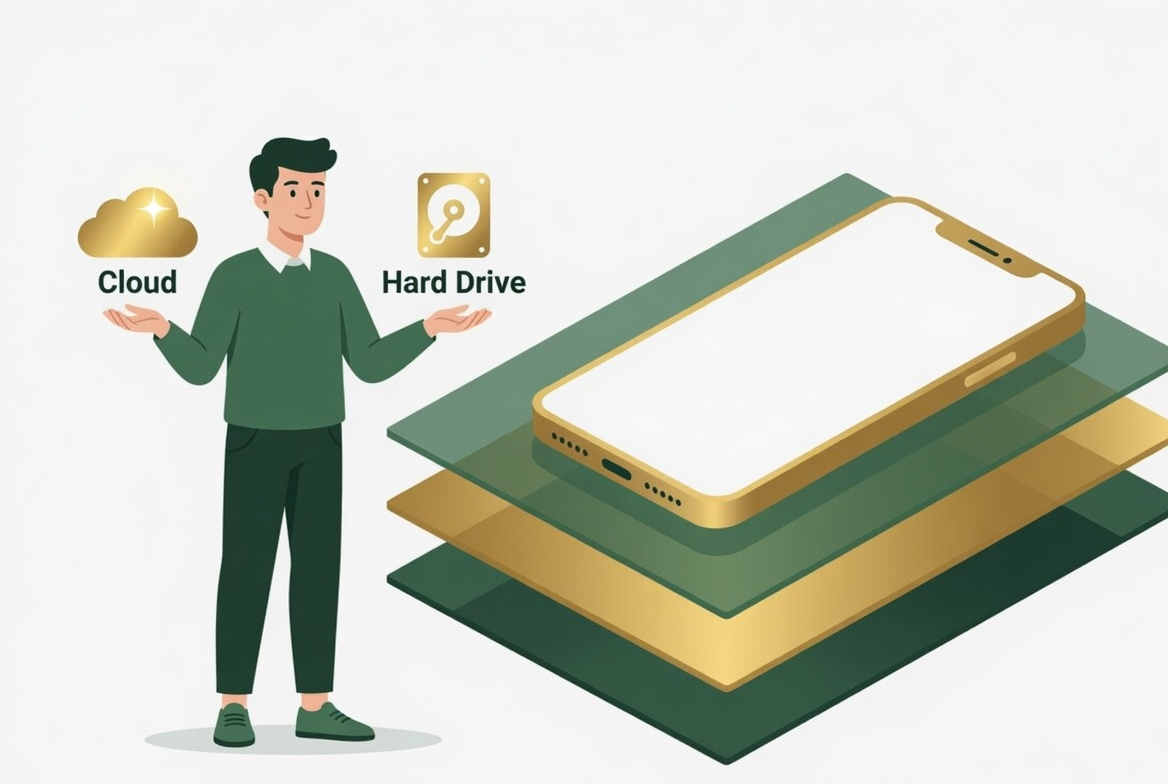
Cloud backup is useful because it can happen automatically. That makes it easier to keep a recent copy without relying on memory.
Removable backup is useful because it can sit away from the device. An external drive, USB stick or SD card can help with larger files, but it should not stay plugged in all the time. If malware can reach the drive, it may damage the backup too.
The routine I would use is:
- turn on automatic cloud backup for everyday files
- make a separate removable backup for irreplaceable files
- disconnect removable media after the backup
- check once a month that recent files can actually be restored
What Usually Goes Wrong
The common mistake is assuming sync equals backup. Sync is useful, but if a deletion or bad change synchronises everywhere, it may not protect you in the way you expected.
That is why restore checks matter. A backup is not just a copy. It is a copy you know how to recover.
A Better Baseline
A better baseline is calm and simple: important files exist in more than one place, at least one copy updates automatically, and irreplaceable files have an extra copy that is not always connected.
That is the difference between hoping your files survive and knowing you have a route back.