Fake browser update prompts that install more than updates
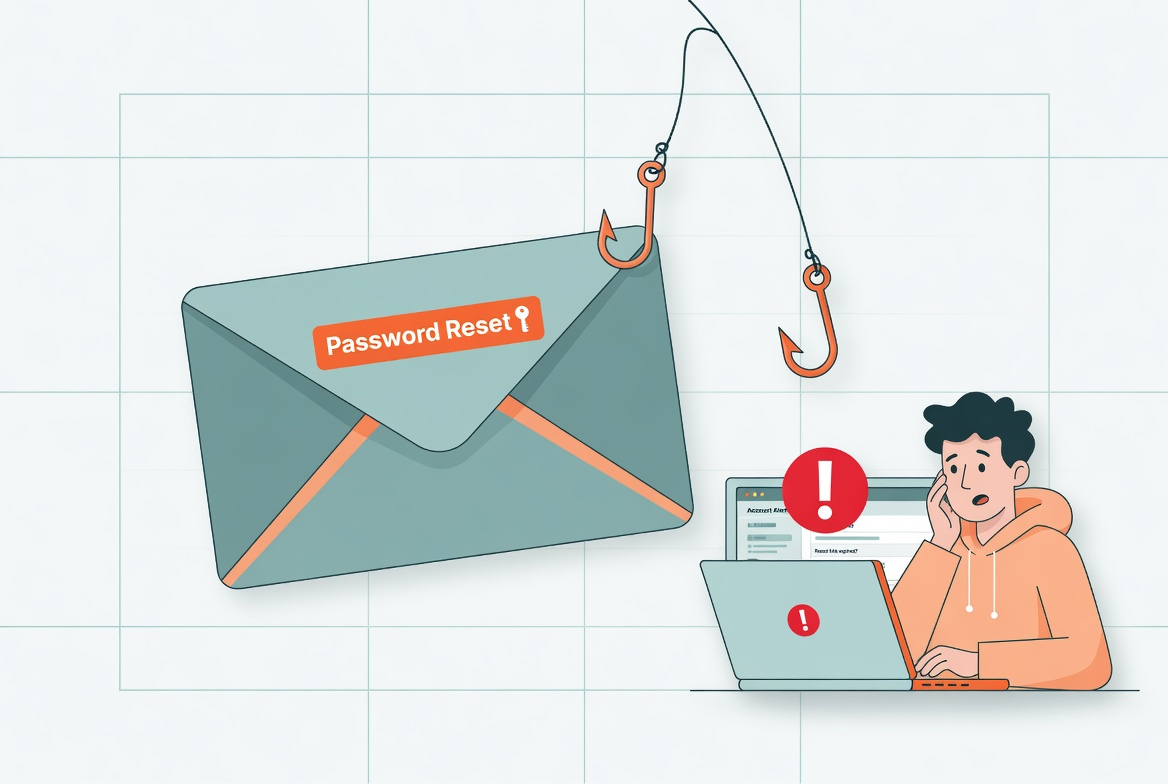
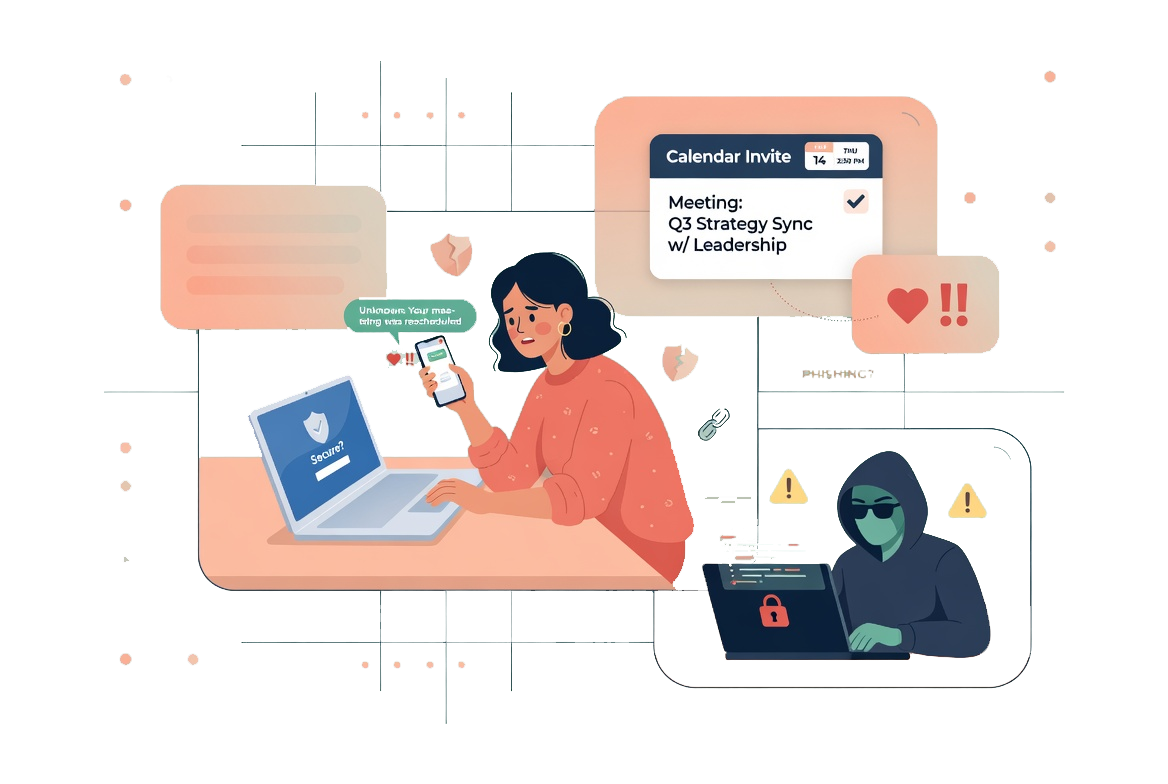
Fake update prompts borrow the look of routine maintenance to get unsafe downloads approved. Here, I cover the signs that matter and the safer way to handle browser or plugin update messages.

Share
Checking read-aloud support…
Why This Topic Matters
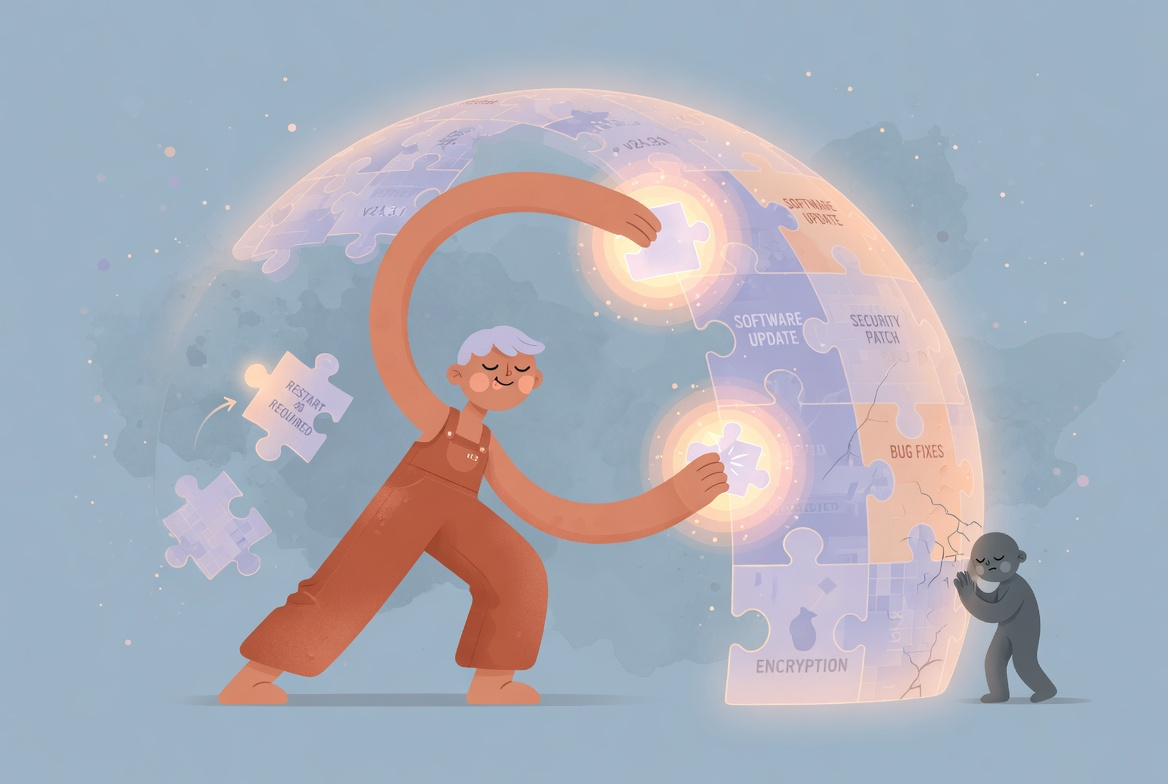
Update language is powerful because it sounds responsible. Most people know that old software creates risk, so a prompt that claims to fix the problem can feel like the safe option.
That is exactly why fake update pages keep working. They wrap a risky download in the language of maintenance and count on the user responding before they verify where the prompt actually came from.
What To Check First
When I want this kind of review to stay practical, I start with the parts that break the illusion fastest.
That means checking:
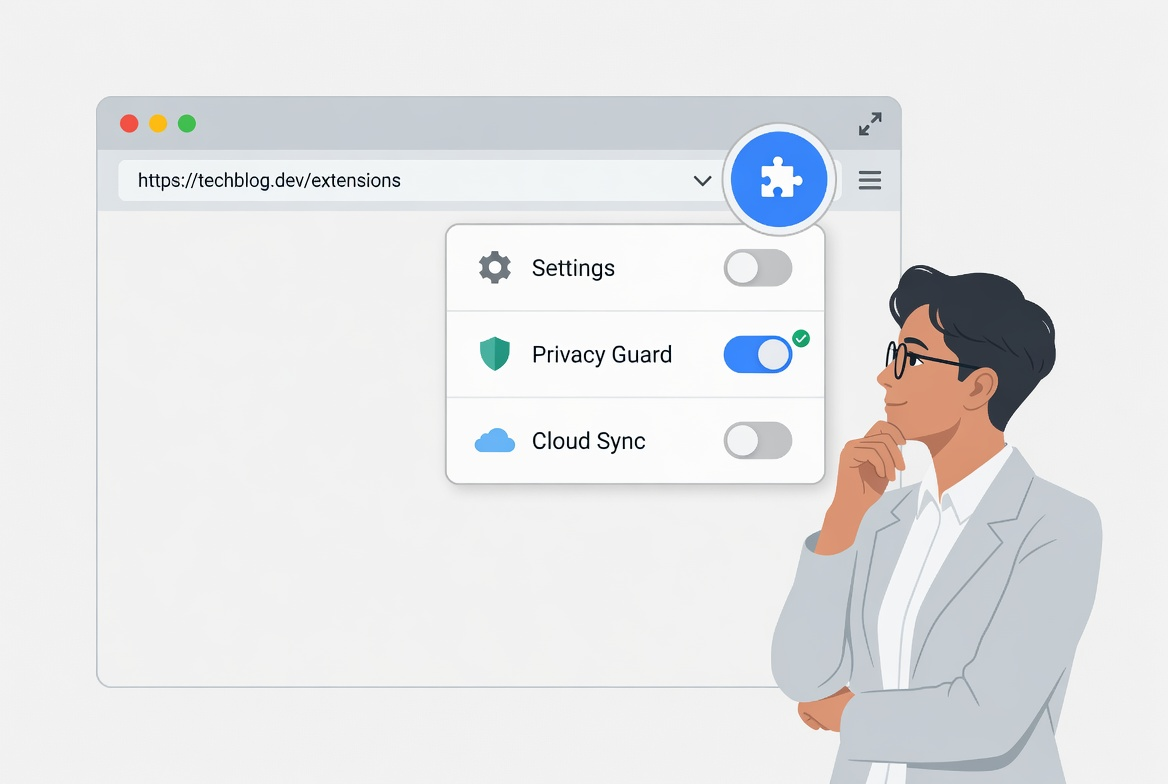
- whether the prompt appeared inside a random webpage rather than the browser’s own menu
- whether it asks for a direct download instead of sending you to the official update route
- whether the language feels urgent, vague or unusually aggressive
- whether the file being offered matches the software you were supposedly updating
The point is not to become suspicious of every update. It is to separate real maintenance from impersonated maintenance.
Build A Safer Routine
The safest response is to leave the page and update the software from a place you chose yourself.
The routine I would use is:
- close the tab or browser window that showed the prompt
- open the browser or operating system update controls manually
- use the official site or app store if a direct reinstall is genuinely needed
- review recent downloads if you already clicked and remove anything you cannot justify
That routine works because it moves control back to a trusted path.
What Usually Goes Wrong
The usual mistake is trusting the visual style. A lot of fake prompts are convincing enough for one rushed decision, especially when they borrow known colours, icons and warning language.
This is why I do not treat familiarity as proof. A page can look routine and still be the wrong place to update from.
A Better Baseline
Real updates stay valid when you approach them from the product itself. Fake ones depend on catching you inside the wrong page long enough to install something else.
That is the standard I care about: not reacting quickly, but updating through routes that remain trustworthy after a second look.